Curious about what’s coming next? Check out the Roadmap.
Newsairy 1.24.1 — Launch Crash Fix
Fixed A crash that could occur at launch on some devices, most notably on the new iPad mini. Thanks to everyone who reported it and sent crash logs!
Curious about what’s coming next? Check out the Roadmap.
Fixed A crash that could occur at launch on some devices, most notably on the new iPad mini. Thanks to everyone who reported it and sent crash logs!
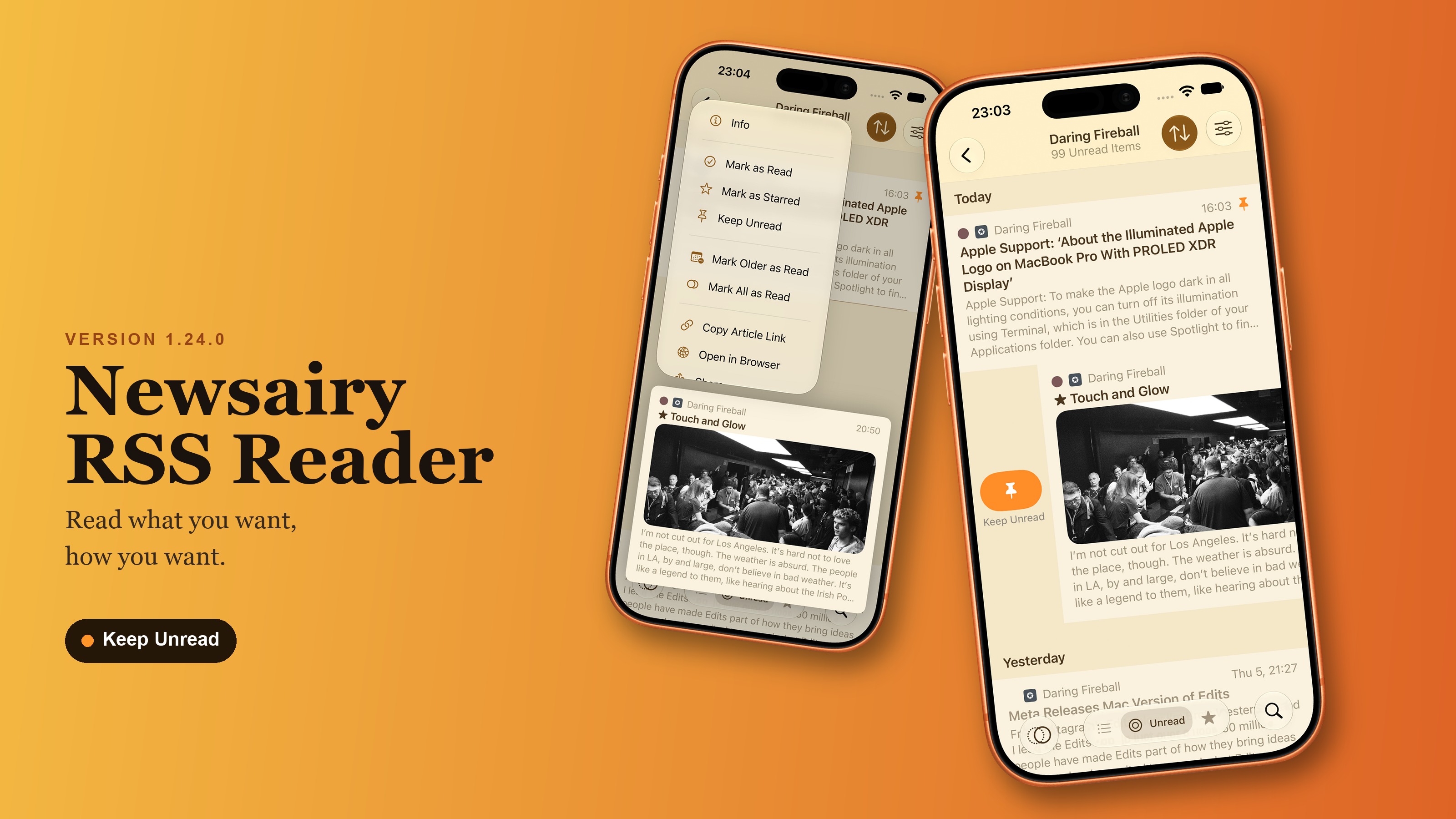
Newsairy 1.24 is here, with a way to stop an article from being marked as read before you get to it. Stopping an article from being marked as read. Keep Unread (the pin icon) sits in the article’s context menu, the reader’s … menu, and Article Info. A kept article shows an orange pin in the list, and scrolling past it with Mark as Read on Scroll on, Mark All as Read, and Mark Newer/Older as Read all skip it — the articles around it still get marked. ...
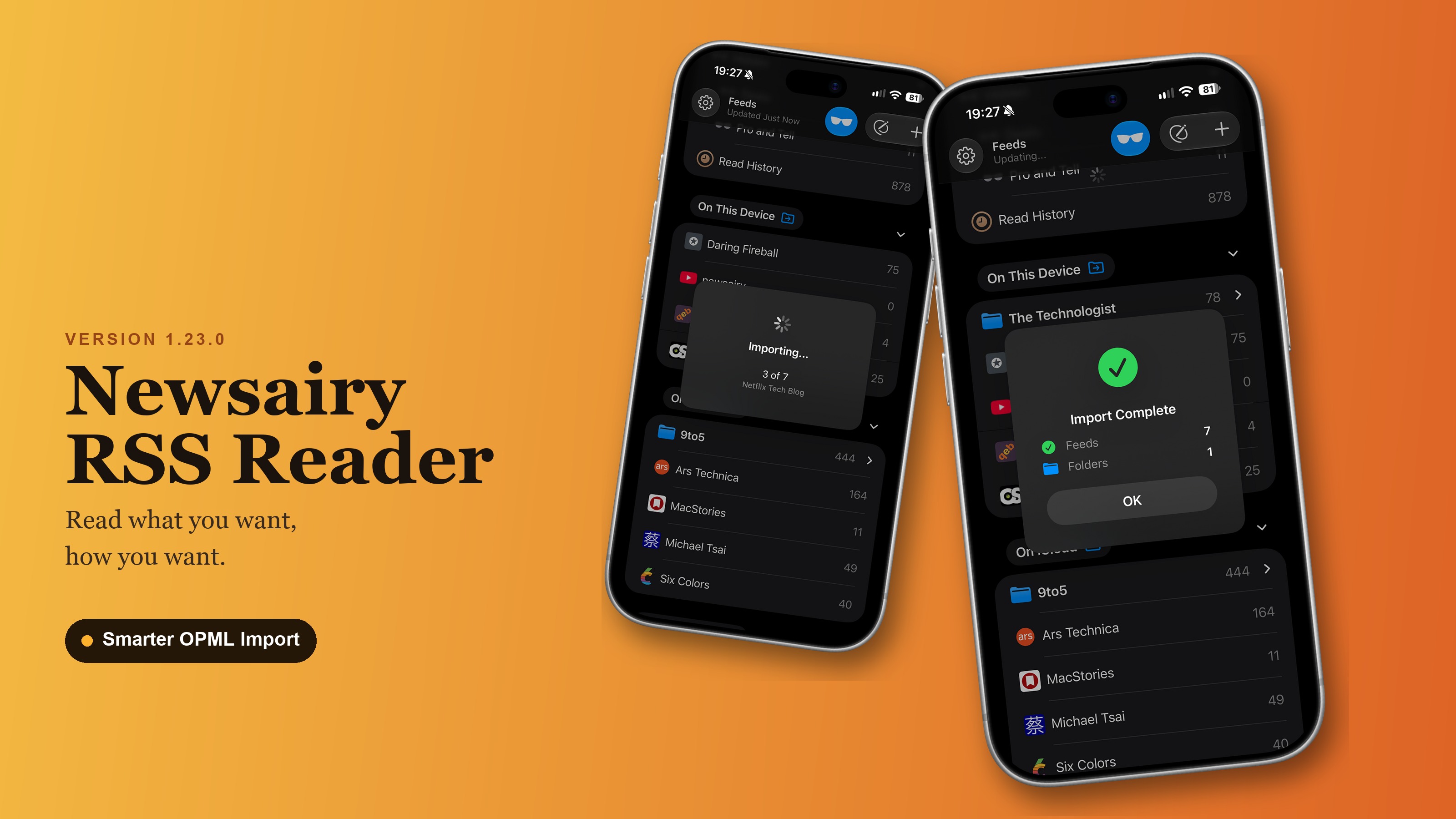
Newsairy 1.23 is here, with a smarter way to import OPML files. Choosing what to import. Importing an OPML file on the free plan used to just grab the first 6 valid feeds and fail if there were more. Now you get a picker instead — feeds grouped by folder, a slot counter, anything already in your library marked as such — with an Import all with Pro option to lift the limit. Only the feeds you pick get downloaded. ...
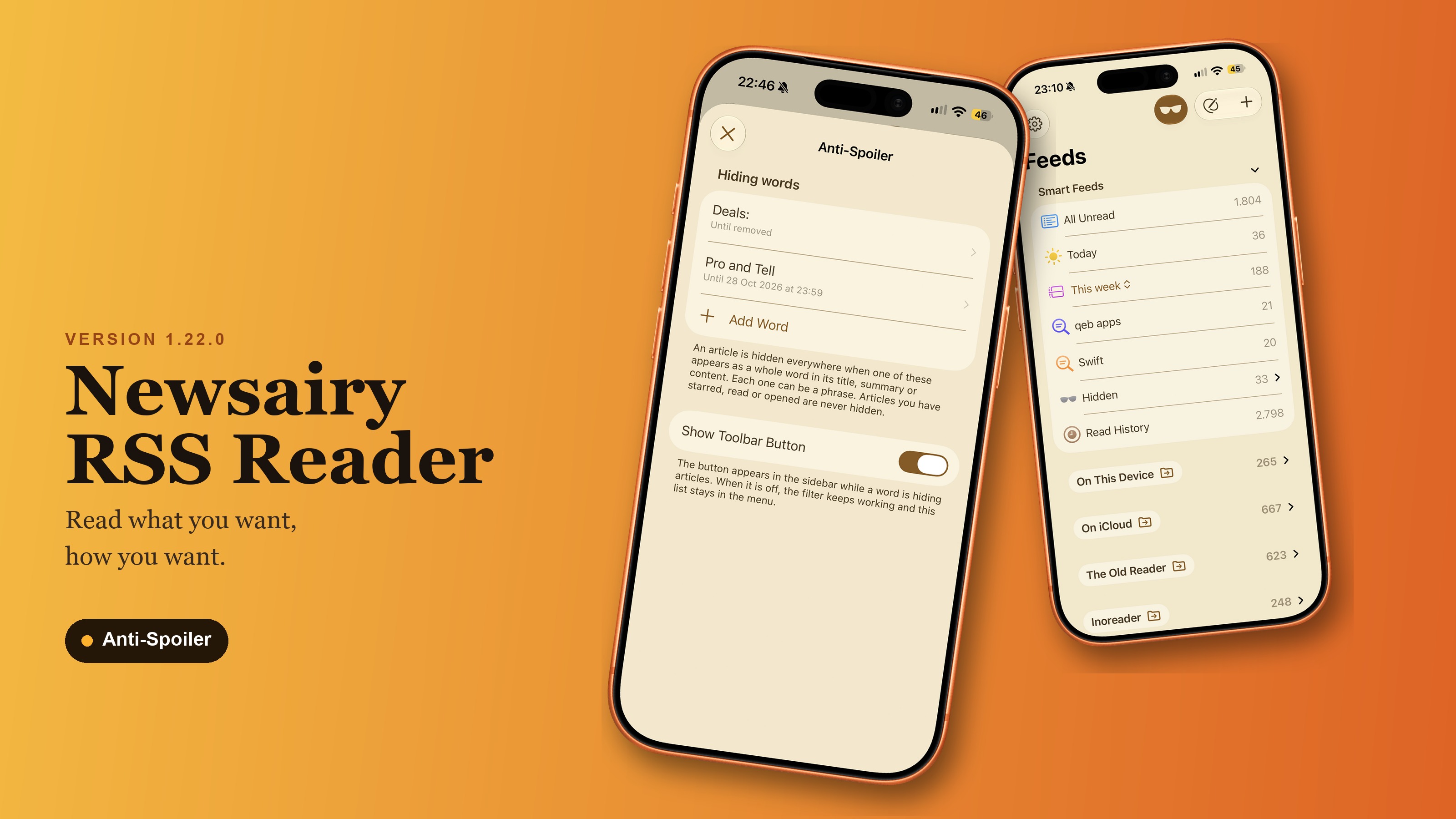
Newsairy 1.22 is here, and it brings Anti-Spoiler — the most requested feature of the past few months. Add a list of words or phrases, and any article containing one disappears everywhere in the app — single feeds, folders, Smart Feeds, and their badges. Each word can carry an expiry (“hide Champions until Sunday evening”), and once it expires, the articles it was hiding come back as unread. Starred, already-read, and already-opened articles are never hidden. ...
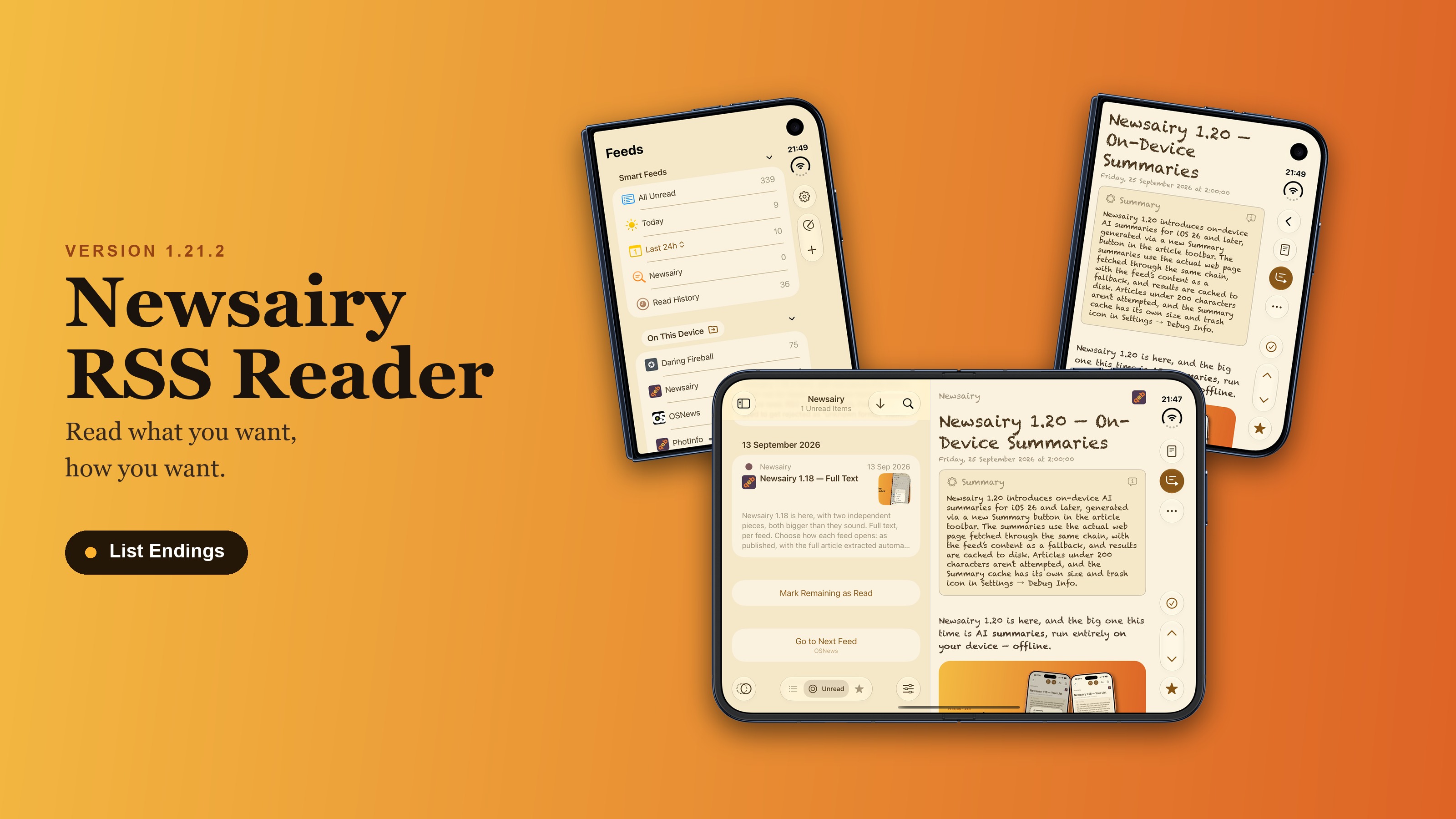
Newsairy 1.21.2 is here, tying up a few loose ends — plus a better fit for the iPhone Duo. Reaching the end of the list. With Mark as Read on Scroll turned on, the last few articles couldn’t scroll past the top of the screen, so scrolling never reached them — a Mark Remaining as Read button now appears at the bottom of the list to cover those. In a single feed, Go to Next Feed jumps to the next feed in the sidebar that still has unread articles, and shows its name right under the button. ...
OPML export. The Storage picker now shows how many feeds each source has — “On iCloud (35)”, for instance. You can also export straight from a connected sync service (Feedbin, Inoreader, …), not just On This Device or On iCloud; export from one and import the file into On iCloud, and the feeds land in the same folders, sub-folders included. A feed whose folder can’t be resolved now lands at the top level of the file instead of being left out entirely. ...
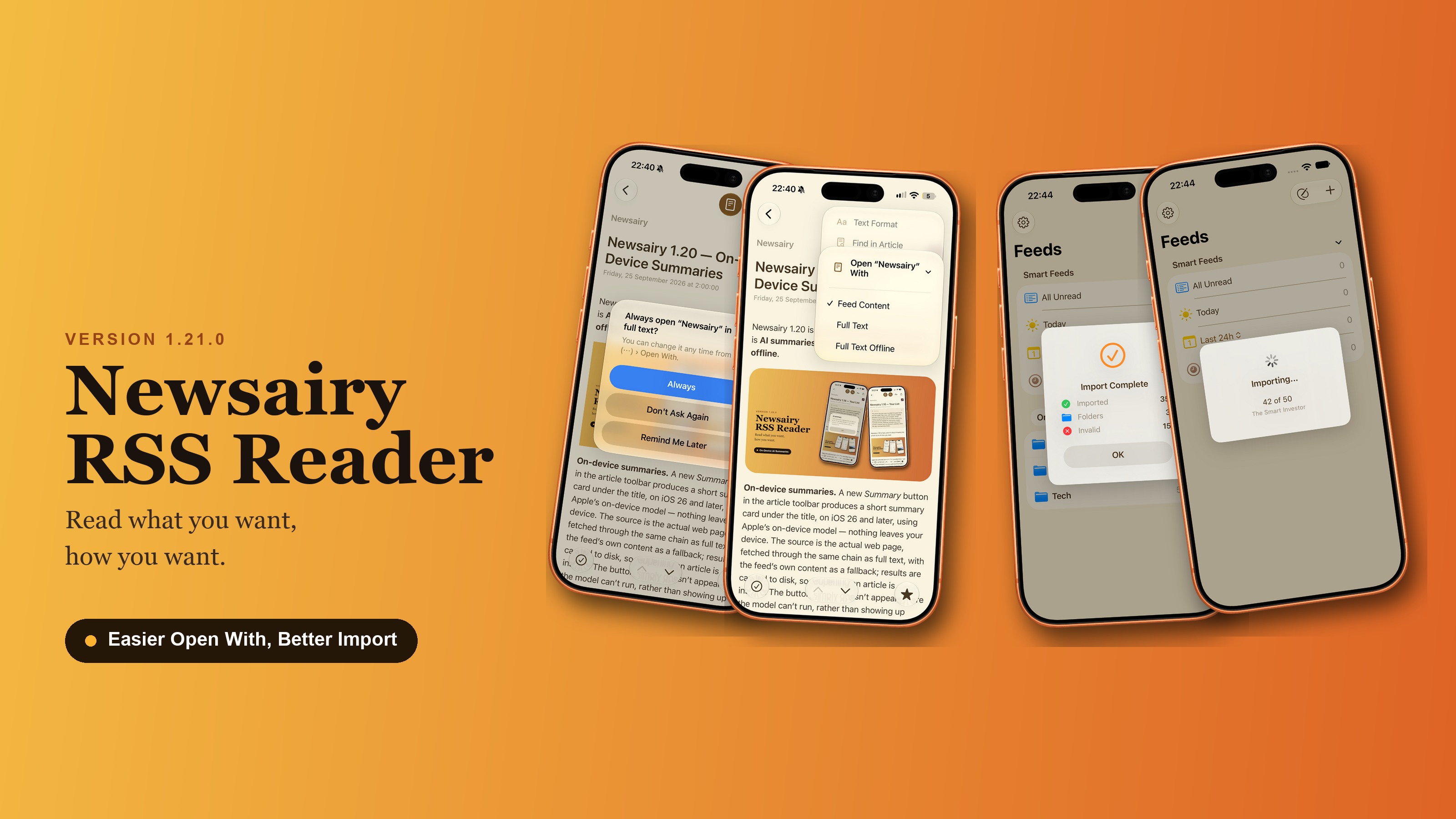
Newsairy 1.21 is here. A new "…" menu in the article view brings Text Format and Share together with two new entries. Find in Article. Search within the article you’re reading — also ⌘F on iPad and Mac with a keyboard. Matches are highlighted in the title and the body, with the current one in orange; a counter (“3 of 12”) and up/down arrows step through them, wrapping from the last match back to the first. ...
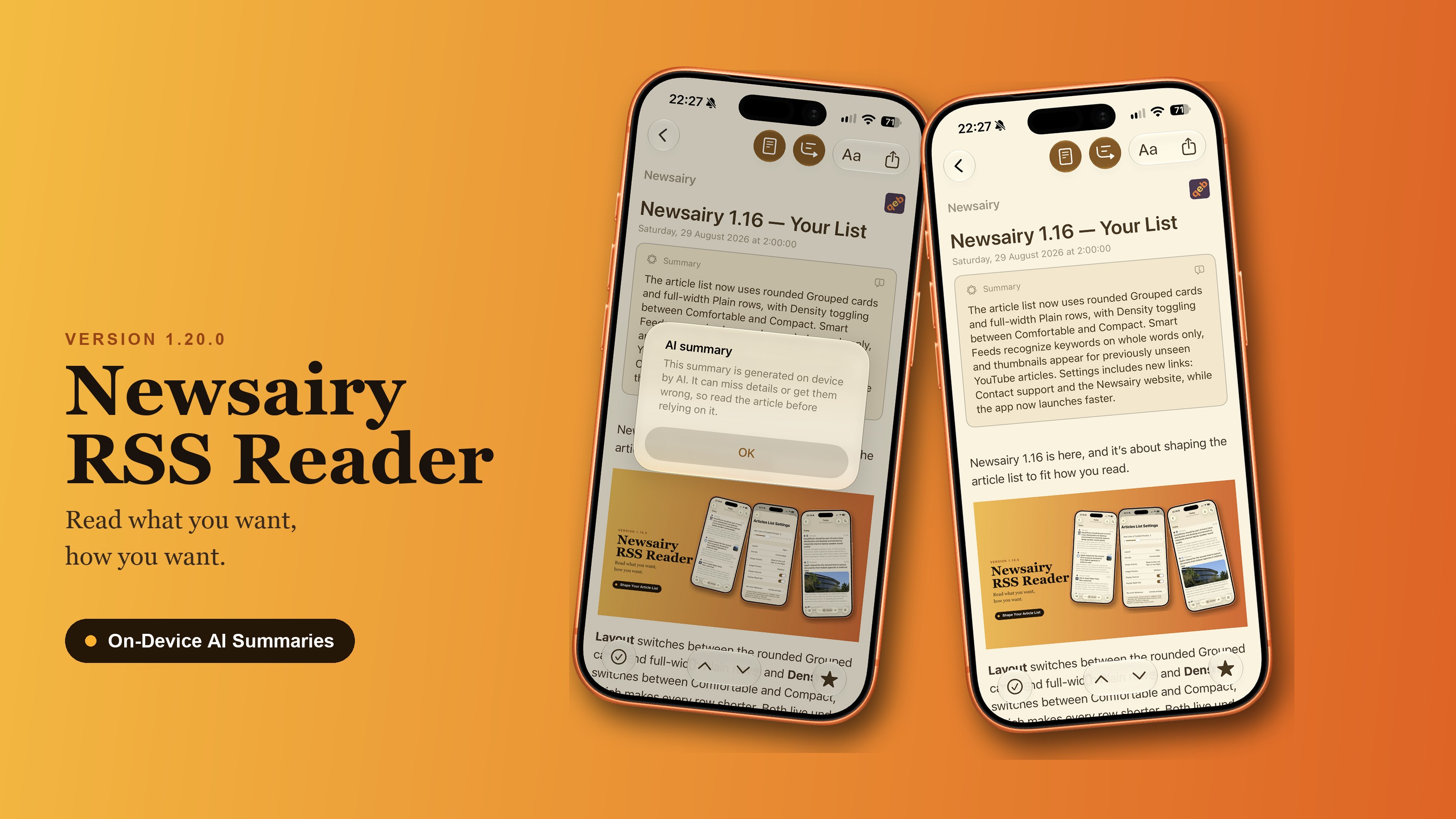
Newsairy 1.20 is here, and the big one this time is AI summaries, run entirely on your device — offline. On-device summaries. A new Summary button in the article toolbar produces a short summary card under the title, on iOS 26 and later, using Apple’s on-device model — nothing leaves your device. The source is the actual web page, fetched through the same chain as full text, with the feed’s own content as a fallback; results are cached to disk, so reopening an article is instant. The button simply doesn’t appear where the model can’t run, rather than showing up broken, and a failed summary is just a state of the card, never an alert. Articles under 200 characters aren’t even attempted. ...
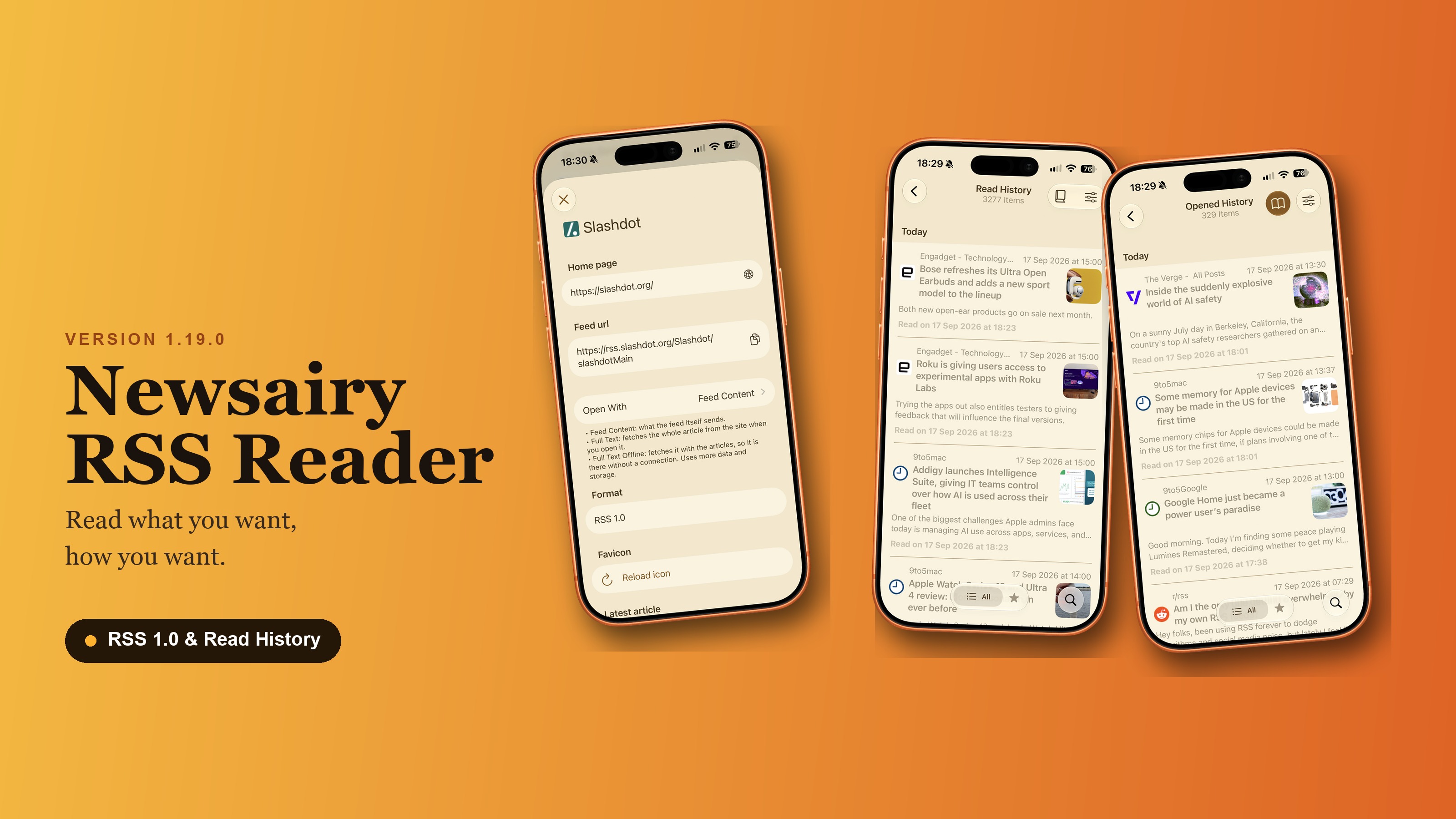
Newsairy 1.19 is here, with two pieces this time: a wider net for feeds, and a proper home for what you’ve read. RSS 1.0 (RDF) feeds. Feeds that used to get rejected as “unknown format” now add and read like any other — Slashdot and the rest of the RDF family, including the feeds WordPress generates at /feed/rdf/. ...
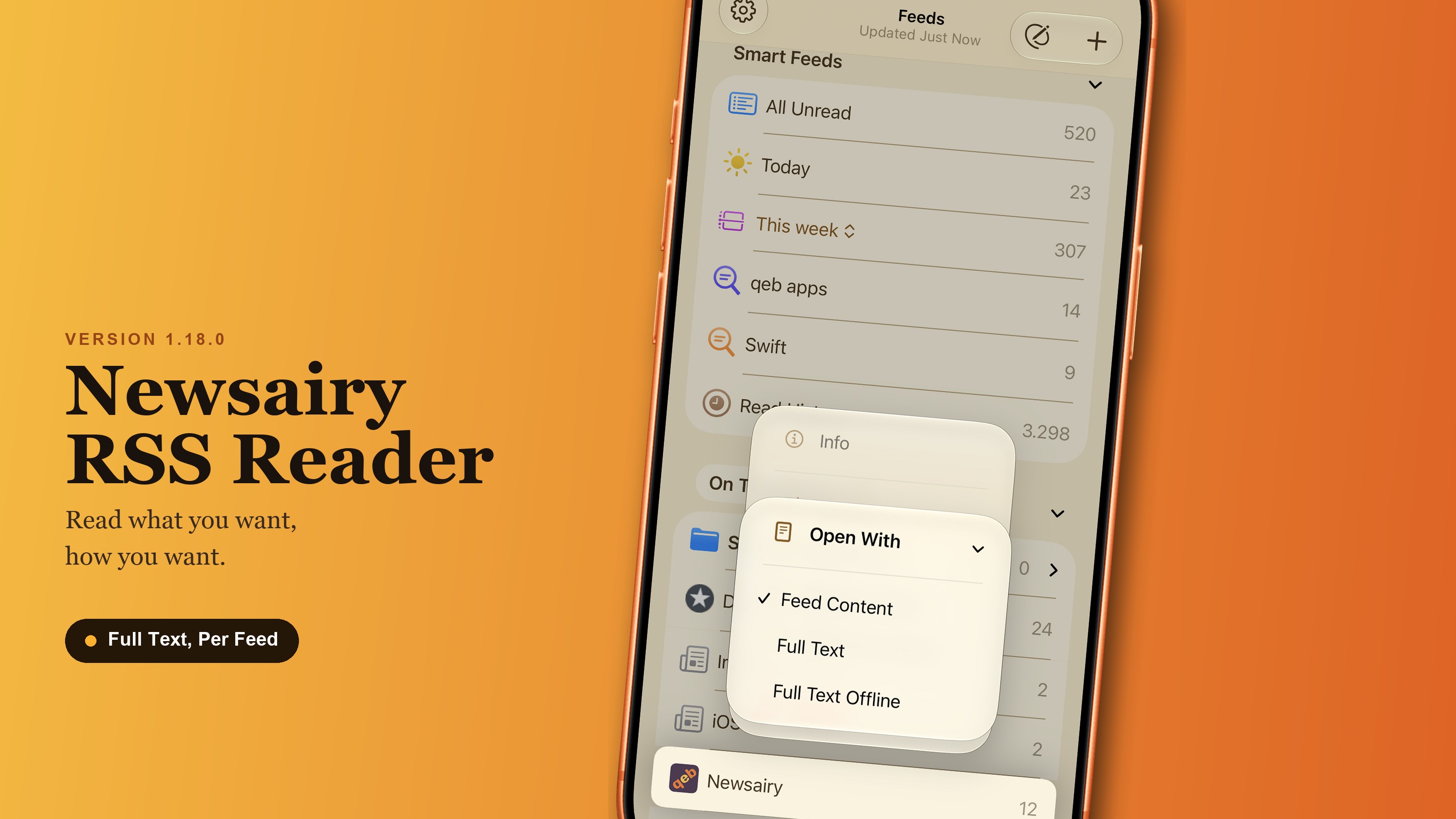
Newsairy 1.18 is here, with two independent pieces, both bigger than they sound. Full text, per feed. Choose how each feed opens: as published, with the full article extracted automatically, or extracted and downloaded ahead of time so it’s ready offline. Set it per feed in Feed Info, or straight from the feed’s context menu in the sidebar — not as one global preference, because being truncated is a property of the feed, not something you’d want the same way everywhere. Articles kept for offline reading are plain text on disk, and Debug Info now shows how much room they’re taking, so you’re not flying blind. ...
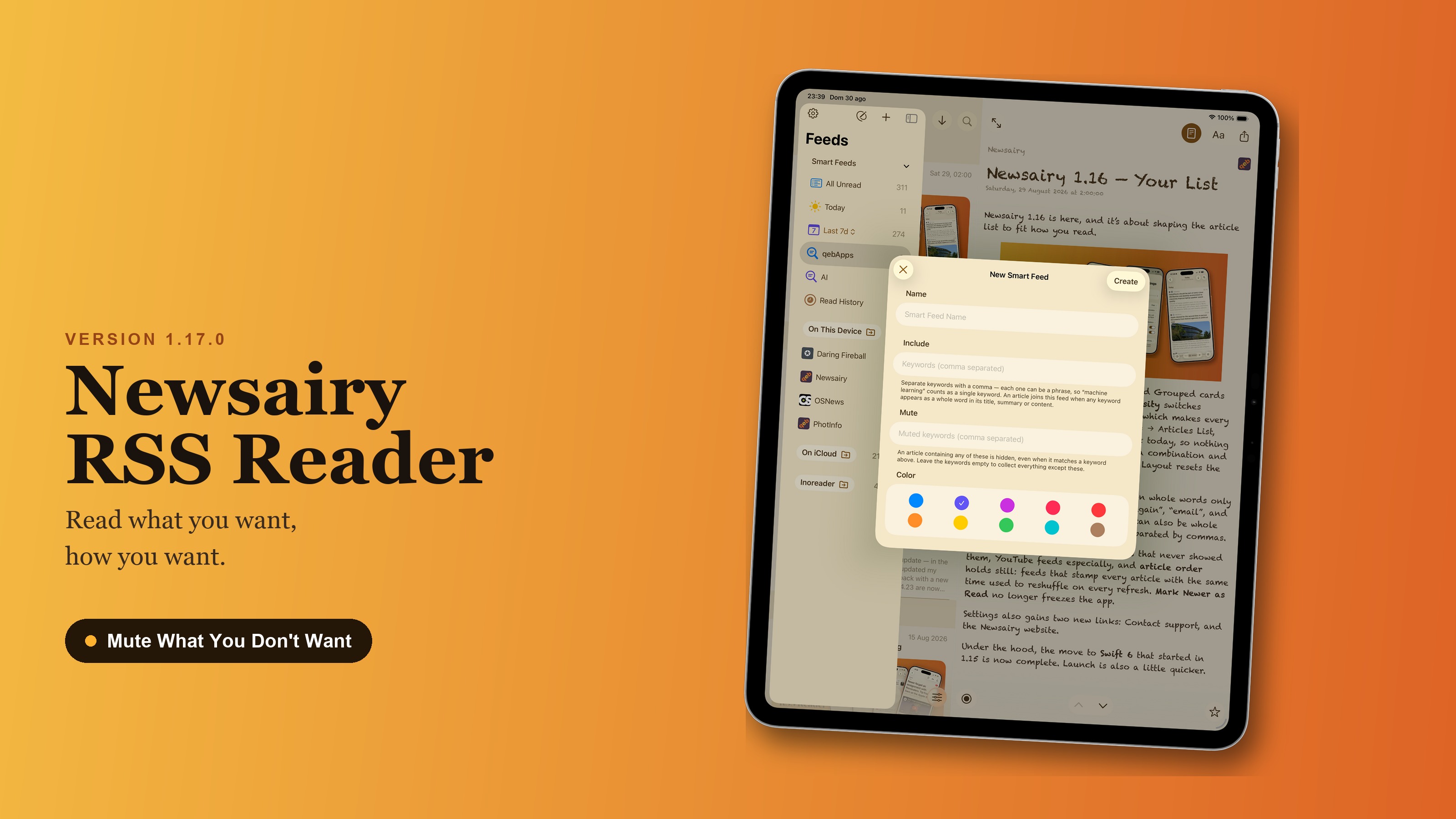
Newsairy 1.17 is here, and Custom Smart Feeds gain a second, opposite list. Mute keywords hide matching articles instead of collecting them — mute always wins over include. Leave the include list empty and fill only mute, and the feed becomes “everything except this.” Existing Smart Feeds are unaffected. The sheet is now split into Include and Mute sections, with a “Create” button in place of “Add.” ...
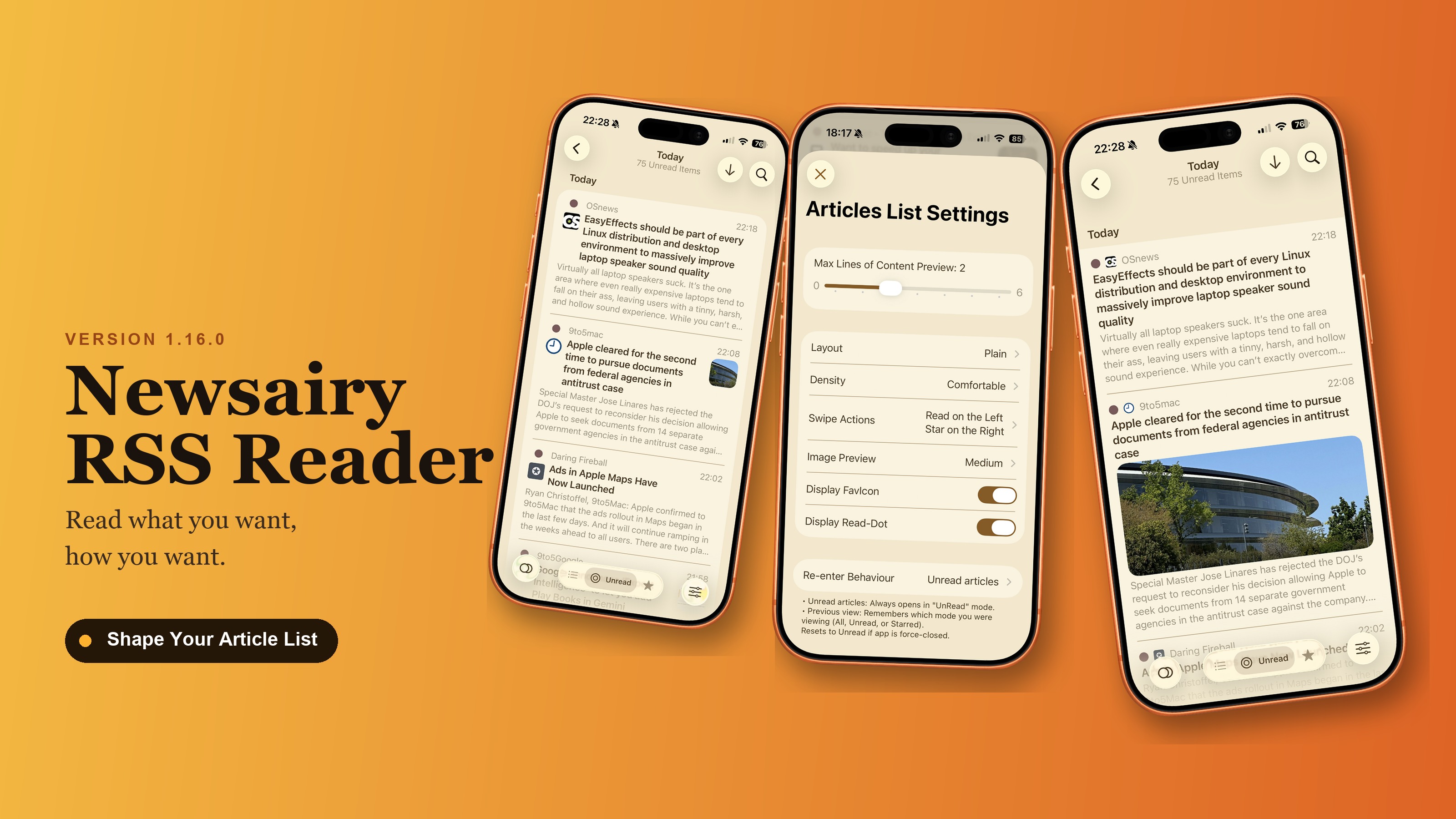
Newsairy 1.16 is here, and it’s about shaping the article list to fit how you read. Layout switches between the rounded Grouped cards and full-width Plain rows, and Density switches between Comfortable and Compact, which makes every row shorter. Both live under Settings → Articles List, and both default to how things look today, so nothing changes until you switch them. Try a combination and see which one you keep — switching Layout resets the scroll position. ...
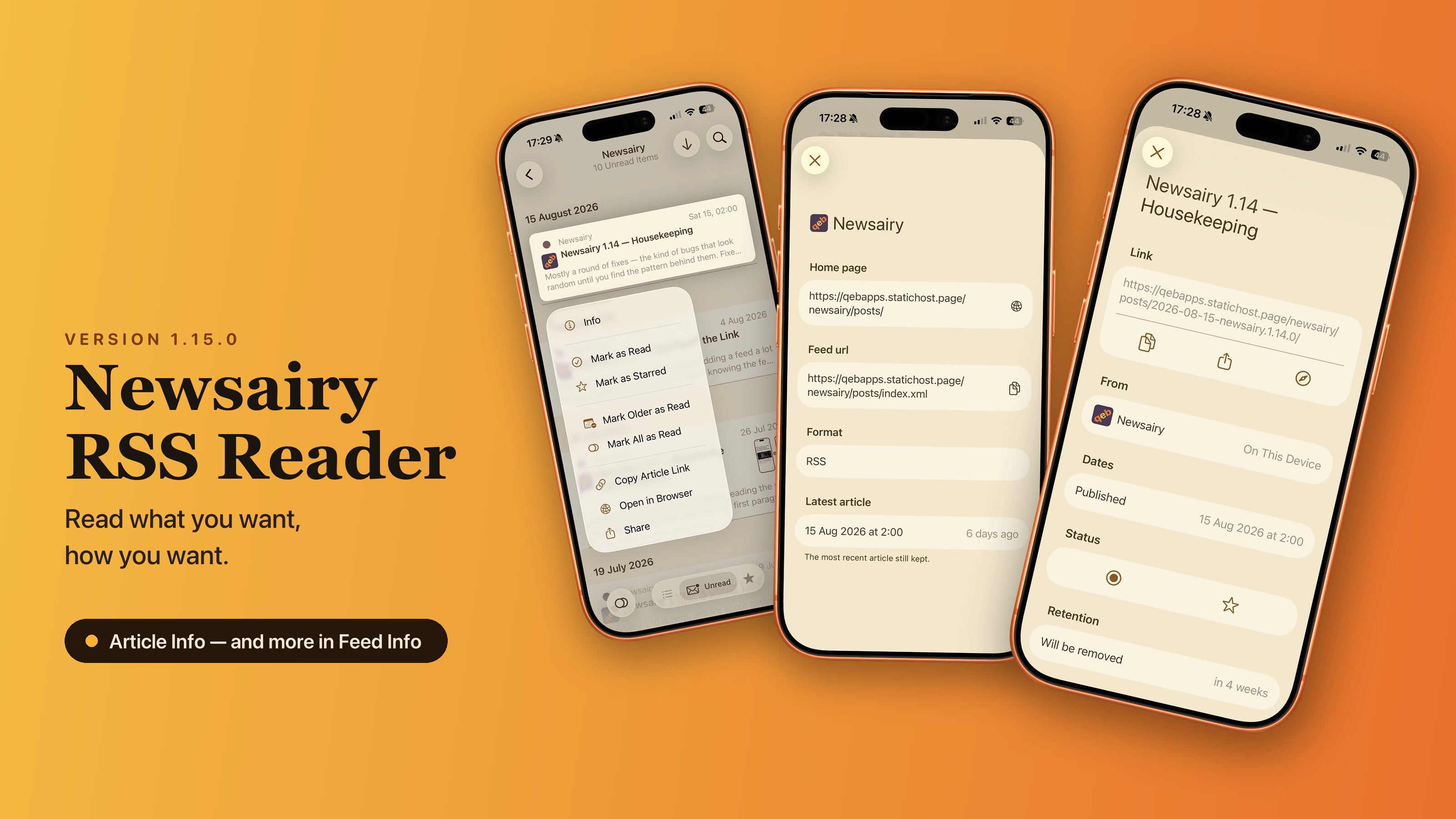
Everything Newsairy knows about an article, now in one place — and a lighter app underneath. Article Info is a new sheet, opened from an article’s context menu in the list. At the top, the title and the link, with copy, share, and open in your browser. Below that: where it comes from — the feed’s name and avatar, and which archive it lives in: local, iCloud, or one of the aggregators, which matters most in the lists where an article turns up on its own, like smart feeds, folders, or Read History. Its dates — published, updated, and when you read it; the updated date only appears when it differs from the publication one, which means the piece was rewritten after it went out. Read and starred, both switchable from there. And when retention will delete it — or a reminder that starred articles are never removed. ...
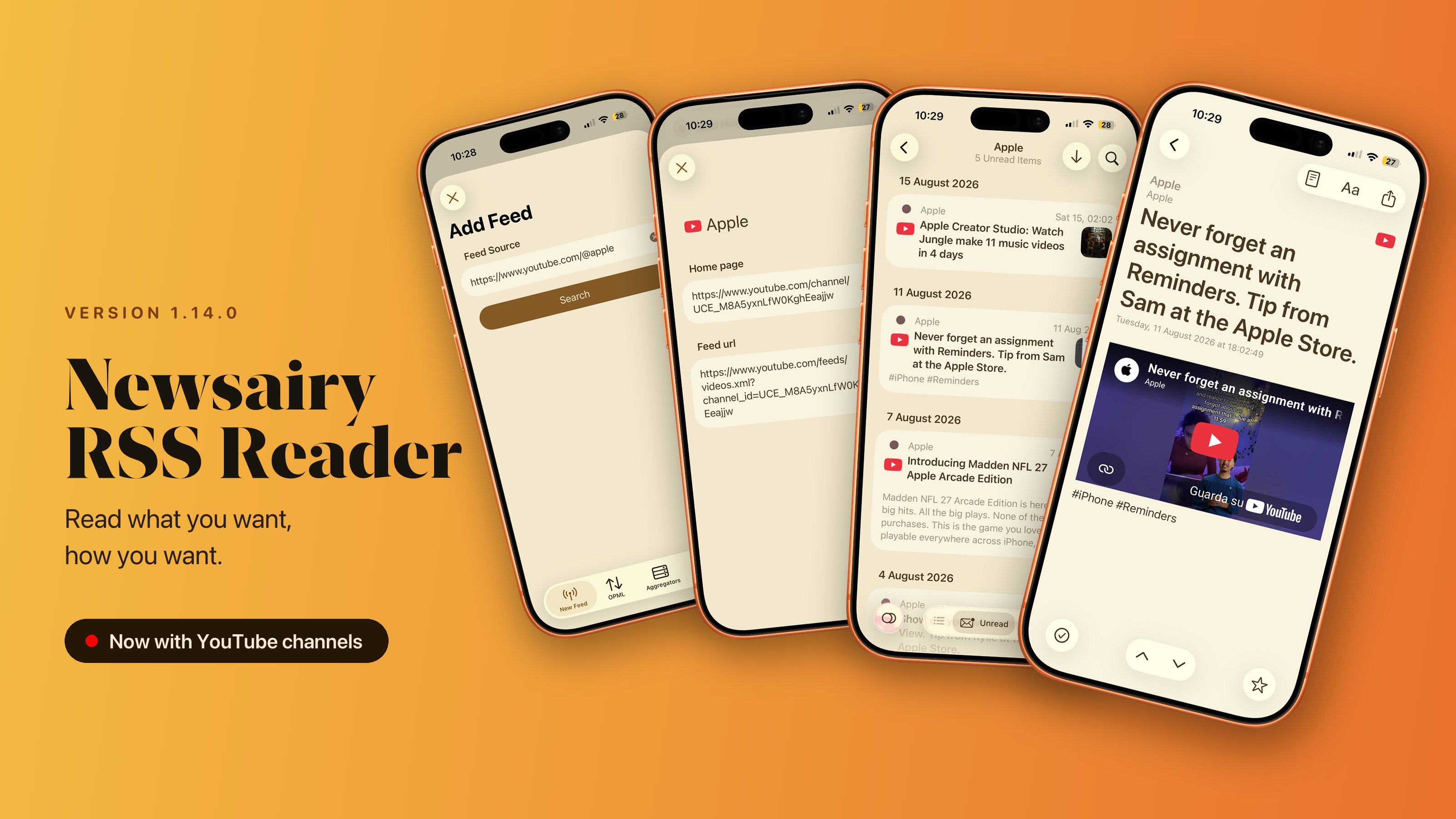
Mostly a round of fixes — the kind of bugs that look random until you find the pattern behind them. Fixed Inoreader sync stopped keeping track of what you’d read once your account had nothing left unread, and did the same with starred items when you had none. It failed silently, so it just looked unpredictable. Both are fixed. Disk space: Newsairy could leave a lot of orphaned downloads behind. They’re now cleared at launch, and reading in full-text view no longer fills the web cache. Adding feeds works in more places: feeds whose file opens with a long comment, older pages that aren’t UTF-8, and YouTube channel URLs. Videos embedded in articles now play in full-text view. New ...

Newsairy 1.13 is here, and most of it is something you can’t see. The way Newsairy shares state between its screens has been rebuilt from the ground up. It’s the plumbing that decides what each view knows, and when it updates — and it’s now cleaner and easier to build on. You shouldn’t notice a single change there, and that’s exactly the goal: everything opens and works the way it always has, only on steadier foundations. I did it to clear the path for what’s coming next — groundwork that lets future features arrive faster and break less. ...
Newsairy 1.12 is here, and it makes adding a feed a lot simpler. Adding a feed used to mean knowing the feed’s address — which often meant digging through a site’s footer, or through its page source. Now you can paste the address of the website itself and let Newsairy find the feeds for you: it reads the page, collects what it offers, and shows you what it found. Sites often publish more than one feed — the articles and the comments, for instance — so when there’s a choice, you make it. ...
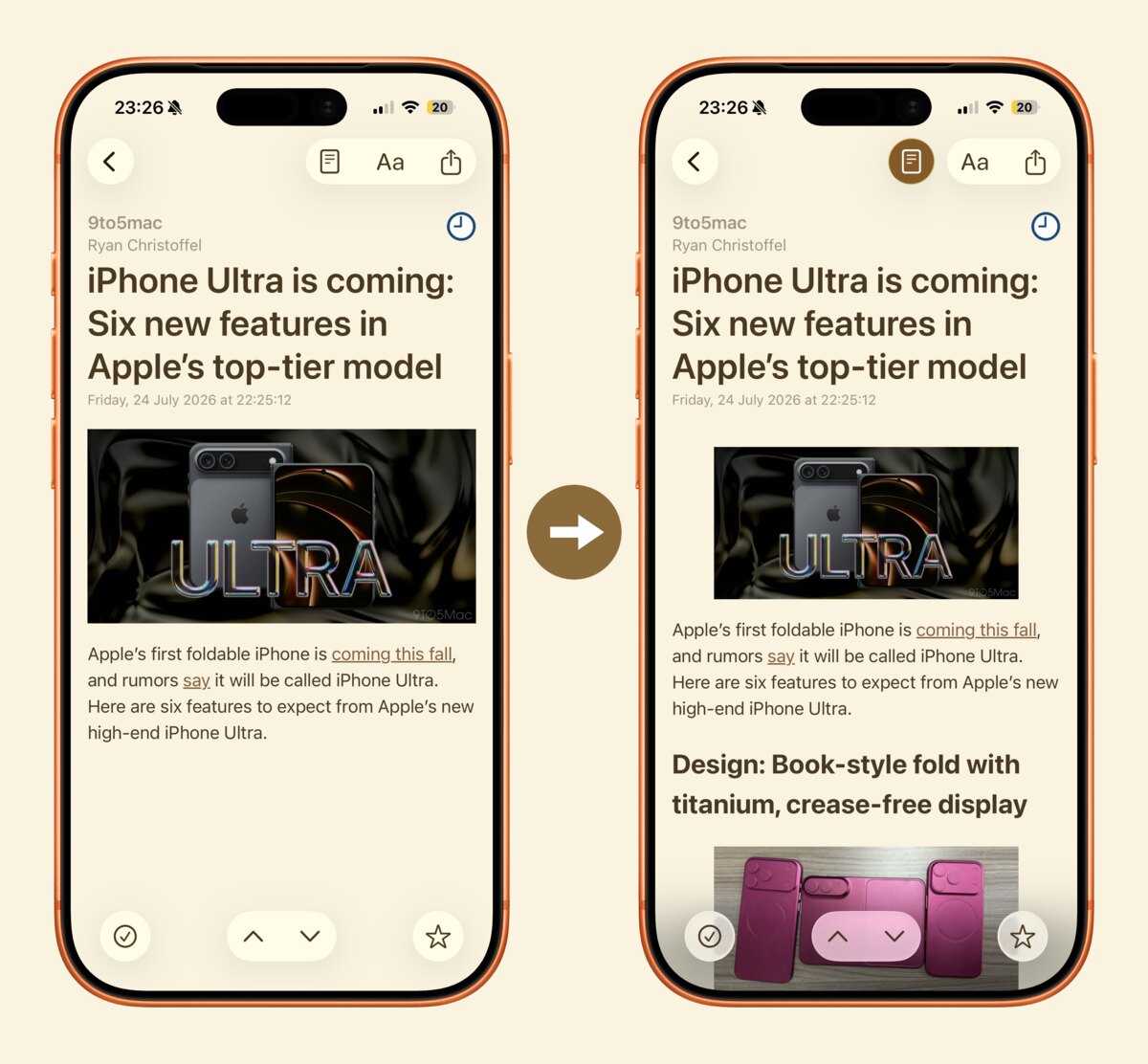
Newsairy 1.11 is here, and it’s about reading the whole thing. Some feeds only send you the first paragraph. A new button in the article view fetches the full text and shows it right there, in your theme, your font and your text size — no browser, no layout jumping around, no cookie banners. Tap it again to go back to what the feed sent. It all happens on your device: Newsairy fetches the page, keeps the words, and throws the rest away. ...
Newsairy 1.10 is here, and it’s about getting a closer look. Tap any image in an article to open it in a new full-screen viewer, where you can zoom in for a closer look — handy for charts, screenshots and photo-heavy feeds. The article list gets clearer, too. Dates now adapt to how recent an article is: just the time for today, the weekday and time within the last week, and a full date for anything older — all localised to your region. Avatars also get a subtle background so they stand out, and a couple of rough edges are gone: titles next to a thumbnail are no longer cut short, and the sidebar shows its loading spinner again. ...

Newsairy 1.09 is here, and it’s about clearing your list without lifting a finger. A new Mark as Read on Scroll option lets the list clear itself as you read: articles are marked read once they scroll past the top — no tapping, no swiping. It keeps up even with fast flings, so nothing slips past unmarked, and it resets cleanly when you switch filters so it never touches what’s still off-screen. Turn it on in Settings → Behaviour; it’s off by default. ...
A small maintenance release focused on iCloud sync. Fixed Fixed an iCloud sync issue so your articles and read state stay consistent across your devices.