Newsairy 1.18 is here, with two independent pieces, both bigger than they sound.
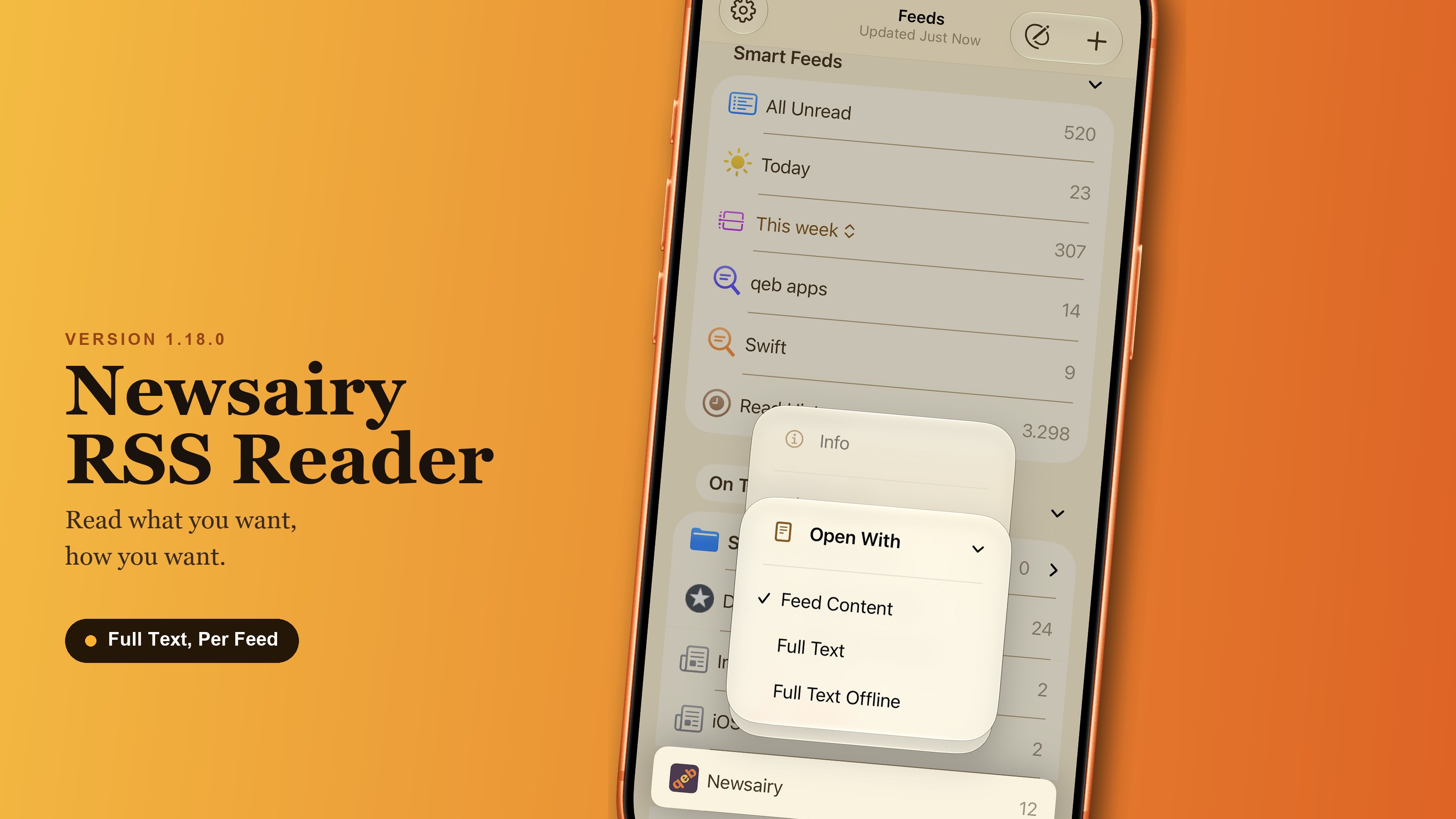
Full text, per feed. Choose how each feed opens: as published, with the full article extracted automatically, or extracted and downloaded ahead of time so it’s ready offline. Set it per feed in Feed Info, or straight from the feed’s context menu in the sidebar — not as one global preference, because being truncated is a property of the feed, not something you’d want the same way everywhere. Articles kept for offline reading are plain text on disk, and Debug Info now shows how much room they’re taking, so you’re not flying blind.
Newsletter rendering. Newsletters synced through Inoreader are email underneath, and it showed: tables that swallowed half the text, oversized fonts, a footer invisible in dark mode, list previews pulled from hidden text, thumbnails lifted from tracking pixels. Newsletters are now recognized and rendered properly — no more silently landing on the site’s login page when you tapped full text.
Two smaller changes round it out. Mark all as read, with a search active, now acts only on what the search found, not the whole feed — the button’s label says so. And on iPhone, on iOS 26 and later, search itself has moved to the bottom of the article list, within reach, with the list settings button taking the spot it left at the top; on iPad and Mac search stays at the top, where the system puts it.