Newsairy 1.11 is here, and it’s about reading the whole thing.
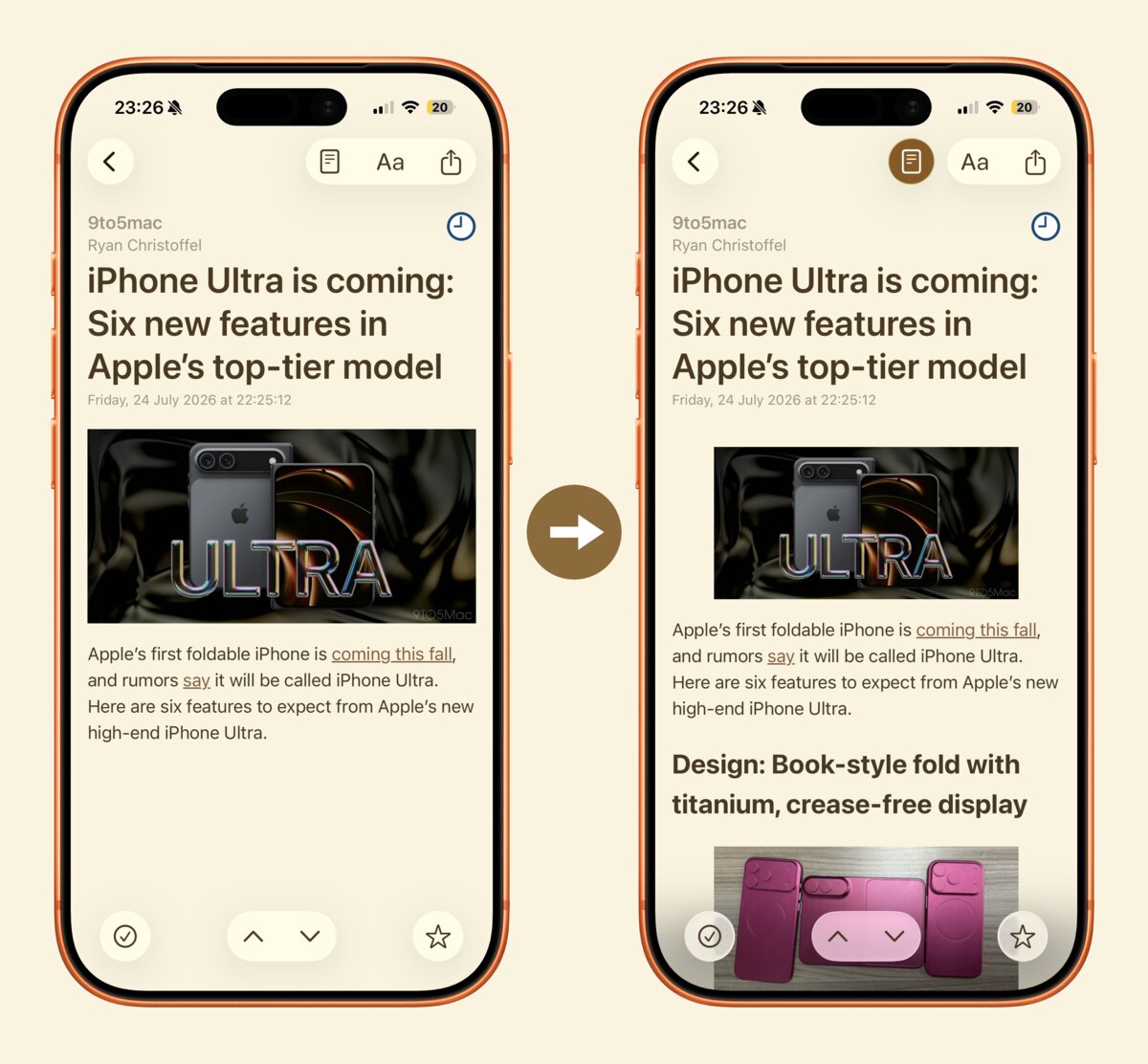
Some feeds only send you the first paragraph. A new button in the article view fetches the full text and shows it right there, in your theme, your font and your text size — no browser, no layout jumping around, no cookie banners. Tap it again to go back to what the feed sent. It all happens on your device: Newsairy fetches the page, keeps the words, and throws the rest away.
There are now three ways to read a whole article — tap the title, swipe in from the right edge, or use the new full-text button — and until now you had to stumble on them. A short reading tips card the first time you open an article lays them out, once; you can bring it back any time from Settings.
Settings also gain an Acknowledgements page: the open source libraries Newsairy is built on, with their licences in full. Credit where it’s due.