Newsairy 1.16 is here, and it’s about shaping the article list to fit how you read.
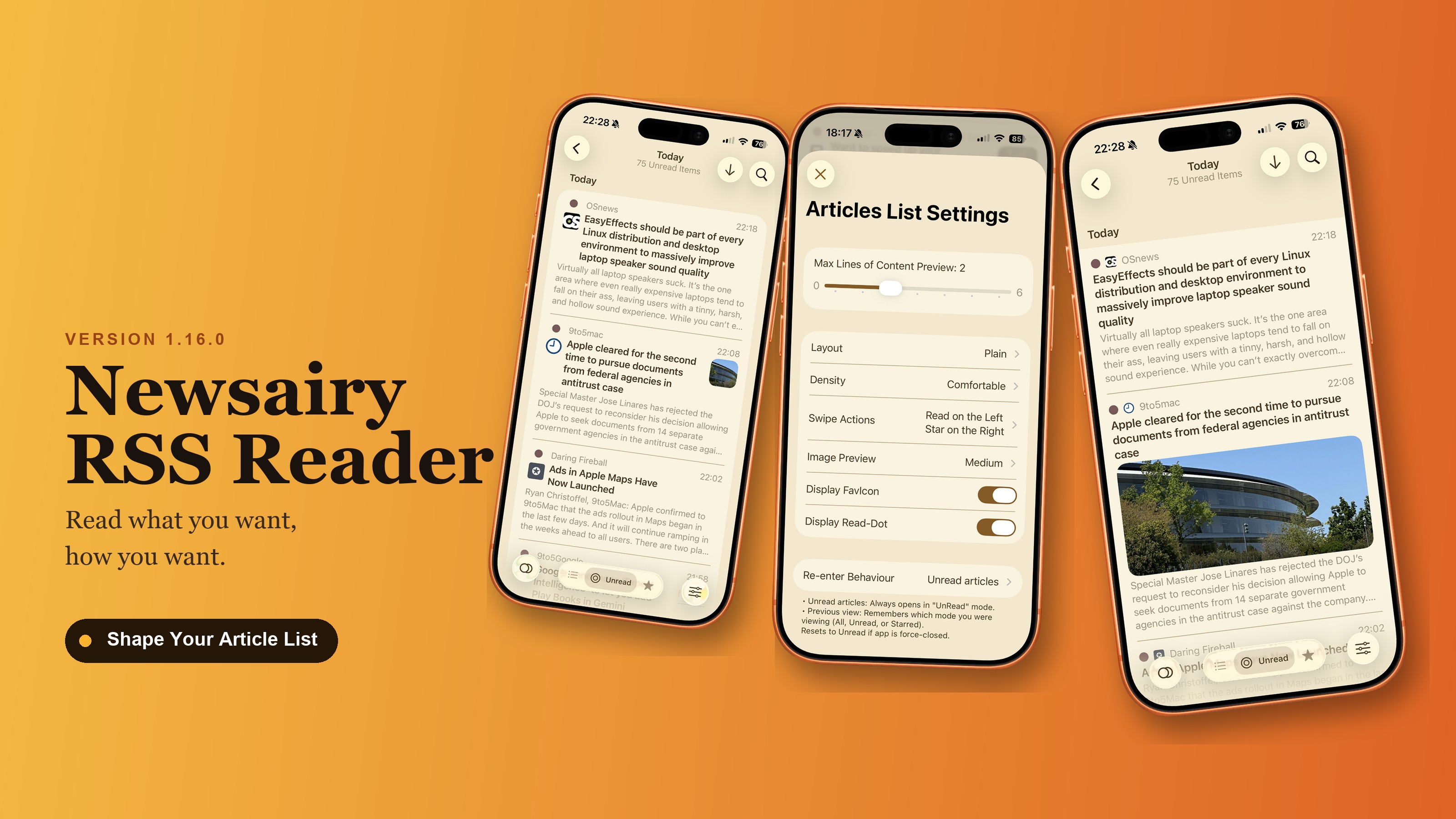
Layout switches between the rounded Grouped cards and full-width Plain rows, and Density switches between Comfortable and Compact, which makes every row shorter. Both live under Settings → Articles List, and both default to how things look today, so nothing changes until you switch them. Try a combination and see which one you keep — switching Layout resets the scroll position.
Smart Feeds now match keywords on whole words only — an “AI” feed used to also catch “again”, “email”, and “Ukraine”, not any more. Keywords can also be whole phrases, like “machine learning”, separated by commas.
Thumbnails now appear for articles that never showed them, YouTube feeds especially, and article order holds still: feeds that stamp every article with the same time used to reshuffle on every refresh. Mark Newer as Read no longer freezes the app.
Settings also gains two new links: Contact support, and the Newsairy website.
Under the hood, the move to Swift 6 that started in 1.15 is now complete. Launch is also a little quicker.