Newsairy 1.21 is here. A new "…" menu in the article view brings Text Format and Share together with two new entries.
Find in Article. Search within the article you’re reading — also ⌘F on iPad and Mac with a keyboard. Matches are highlighted in the title and the body, with the current one in orange; a counter (“3 of 12”) and up/down arrows step through them, wrapping from the last match back to the first.
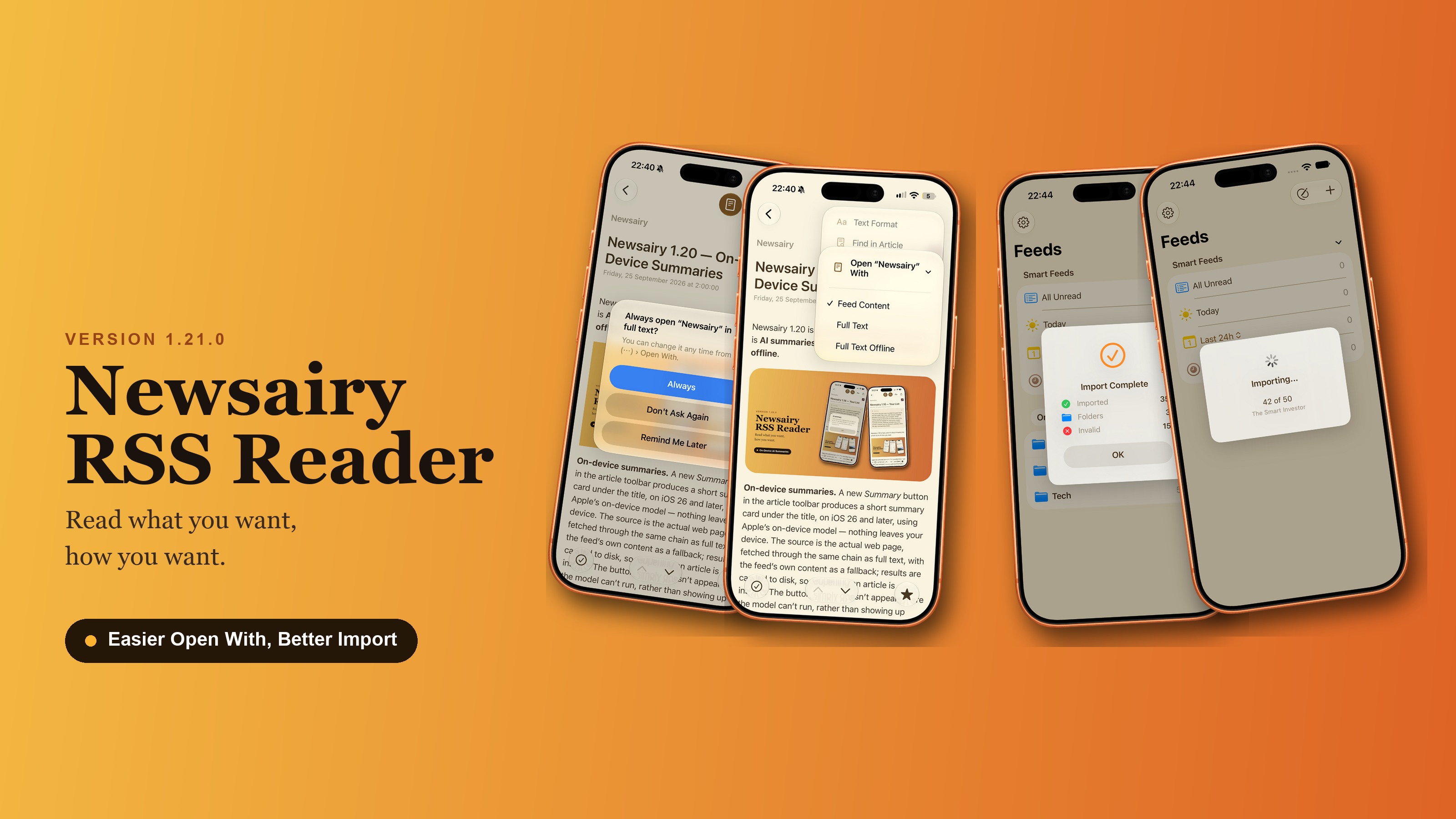
Open “‹feed name›” With. Switch how a feed’s articles open — Feed Content, Full Text, or Full Text Offline — right from the article, without going back to the sidebar. Picking a Full Text mode loads the current article’s full text immediately, and the choice sticks: the feed’s next articles open the same way, matching what the sidebar’s long-press menu shows.
Full text, suggested automatically. Load the full text by hand on three articles from the same feed, and Newsairy offers to always open that feed in full text. Always switches the feed; Remind Me Later asks again after five more manual loads; Don’t Ask Again turns it off for that feed only. The count carries over when the app restarts.
OPML import, more reliable. Feeds with http:// addresses now import whenever the site also serves them over https://, which used to mean a large file could bring in only a handful of feeds. A progress indicator shows how far the import has got and which feed is being checked, and a dead feed is given up after 20 seconds instead of a minute. Importing into folders you already have no longer creates duplicates with odd, ID-like names.
Behind the scenes, the cleanup of duplicate and orphaned articles after a refresh has been reworked — most noticeable if you use iCloud sync across more than one device.