PhotInfo 8.00.4 & PhotInfo NG 4.00.4
A boring update: bug fixes and performance improvements 🥱
This version improves the management of the map in Details view.
Get PhotInfo for 50% off for IndieAppSales July ‘24! 🎉 From now until July 15th 🤑
Small improvements to the (fetching of) human readable address.
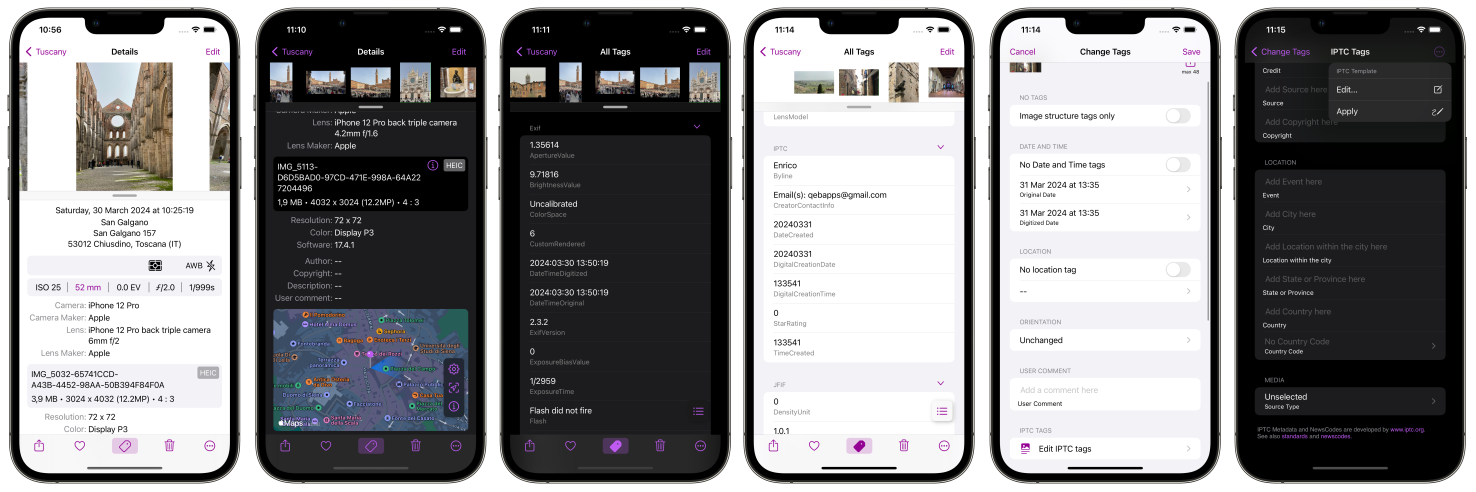
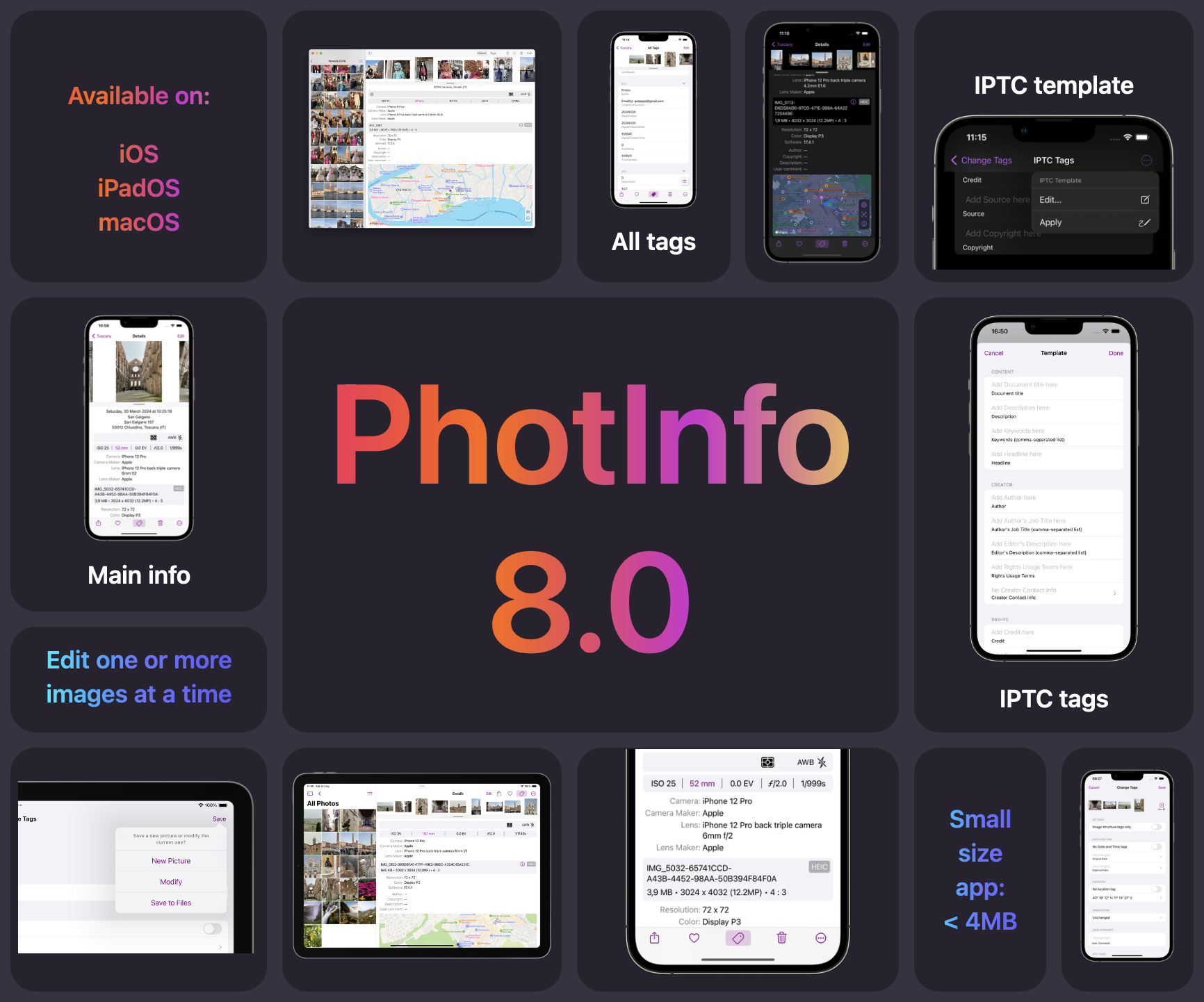
Finally the new versions of PhotInfo and PhotInfo NG! Of course, they are the best versions ever! 🤩 In these new versions, users will find convenient new pages specifically designed for editing IPTC tags. Additionally, the introduction of a dedicated template for these tags ensures a consistent and efficient approach to organizing and labeling media content according to IPTC standards. These enhancements provide a smoother, more streamlined workflow for users and professional photographers, helping them save time and effort when working with IPTC tags. ...
PhotInfo 8.0 and PhotInfo NG 4.0 are coming soon! 🎊 The new version will have a slightly changed user interface, featuring a more streamlined and intuitive design that enhances user experience. Additionally, it will be a lighter app, optimizing performance and reducing resource consumption. However, the standout feature of this update is the introduction of a new dedicated page specifically for editing IPTC tags. This new functionality will provide users and professional photografer with greater control and flexibility in managing their image metadata, allowing for seamless organization and categorization of digital assets.
🎉 Exciting News! 🎉 I’m thrilled to announce that a new version of PhotInfo is currently in the works! Get ready to experience a new level of functionality and user experience. Brace yourselves for a smoother, faster, and more intuitive interface. Stay tuned for more updates as we embark on this journey together. Get ready to unleash the full potential of our app with the upcoming version. 🚀 If you want to become a beta tester contact me. 🚀
Fixed deletion of some tags that remained instead of being removed.
In this update the Settings UI is slightly improved. Moreover, there are some internal optimizations to improve your experience. Thanks for using PhotInfo!
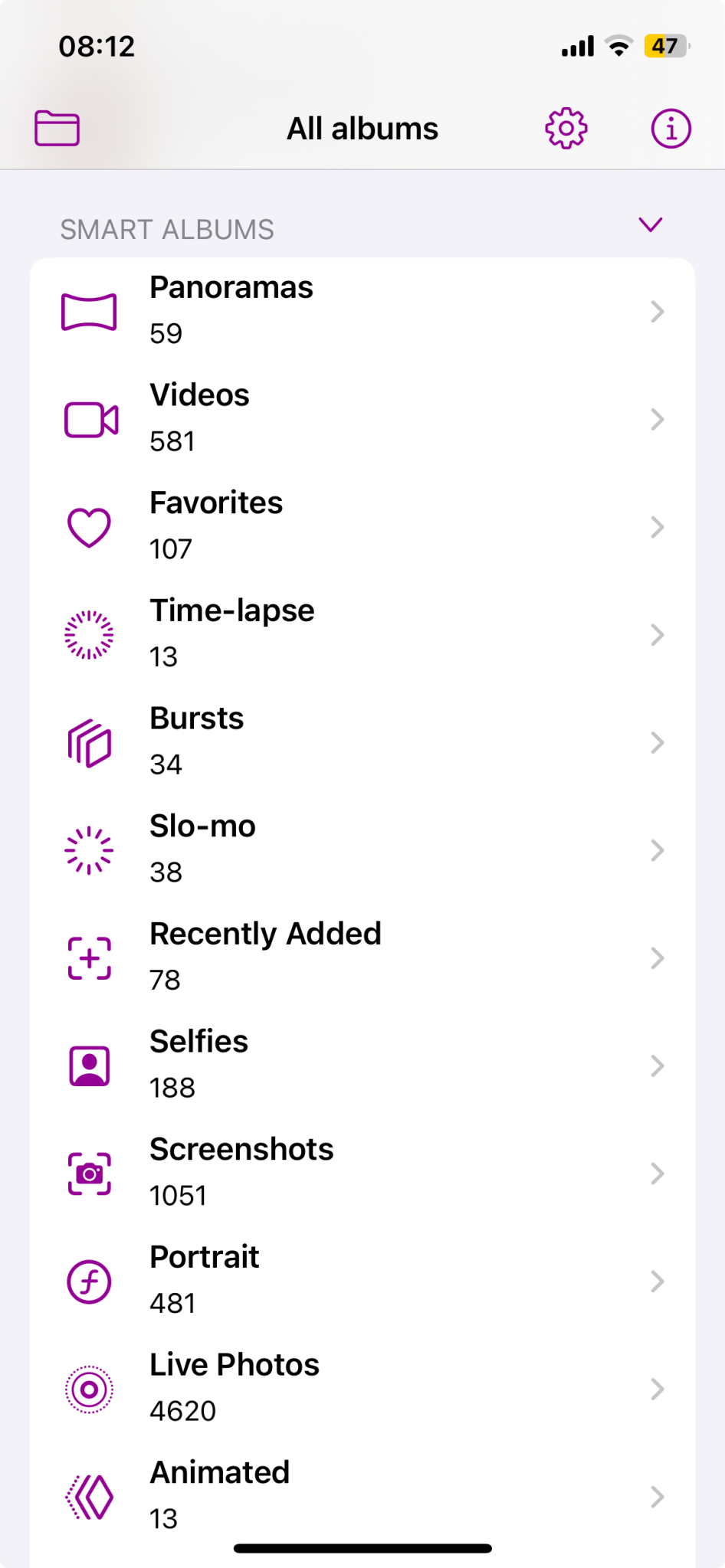
In this update you will find icons for Smart Albums; in this way the searched album is recognized quickly. Moreover, we have been working on internal optimisations to improve your experience enhancing the app’s performance.
In this new versions there are badges for SloMo and TimeLapse picture. Moreover, a bunch of fixes: No Edit button for TimeLapse pictures (they have never been editable in PhotInfo) Hide unaccessible Smart Albums Saving HEIC on Files: keep extension
In this version only a small fix of an annoying issue: livephoto preview is now in high-resolution (as the other pictures).
Finally the macOS versions of PhotInfo are catching up with the iOS/iPadOS versions: Smaller app Optimization in copying main info Bug fixes Refining the image scrolling Editing date, time and location in video
This new releases bring small internal changes and optimizations (especially in scrolling images). They are intended to open up upcoming changes and features.
What’s new: 📲 Requires iOS 14 or later (drop support for iOS 13) 🚛 Smaller app 🔨 Optimisation in copying main info 🐞 Some bug fixes
This little revision adds the Edit Photo Selection button to the apps running on iOS 16 as well.
PhotInfo and PhotInfo NG are ready for iOS 17 🏁. Moreover, it was added a convinient Edit Photo Selection button in Albums view and in Settings view on iOS 17.
A new release for both PhotInfo and PhotInfo NG with small fixes. PhotInfo app is in continuous development, so new features and fixes will be added soon. If you like the app, please leave a nice review on the App Store. Thanks for using PhotInfo.
With this release it is now possible to… 🍿🎬 edit date and location in video files 🎉🎥.
Fixing a small annoying bug.