Newsairy 1.08 is here, and it’s all about how you move through your reading.
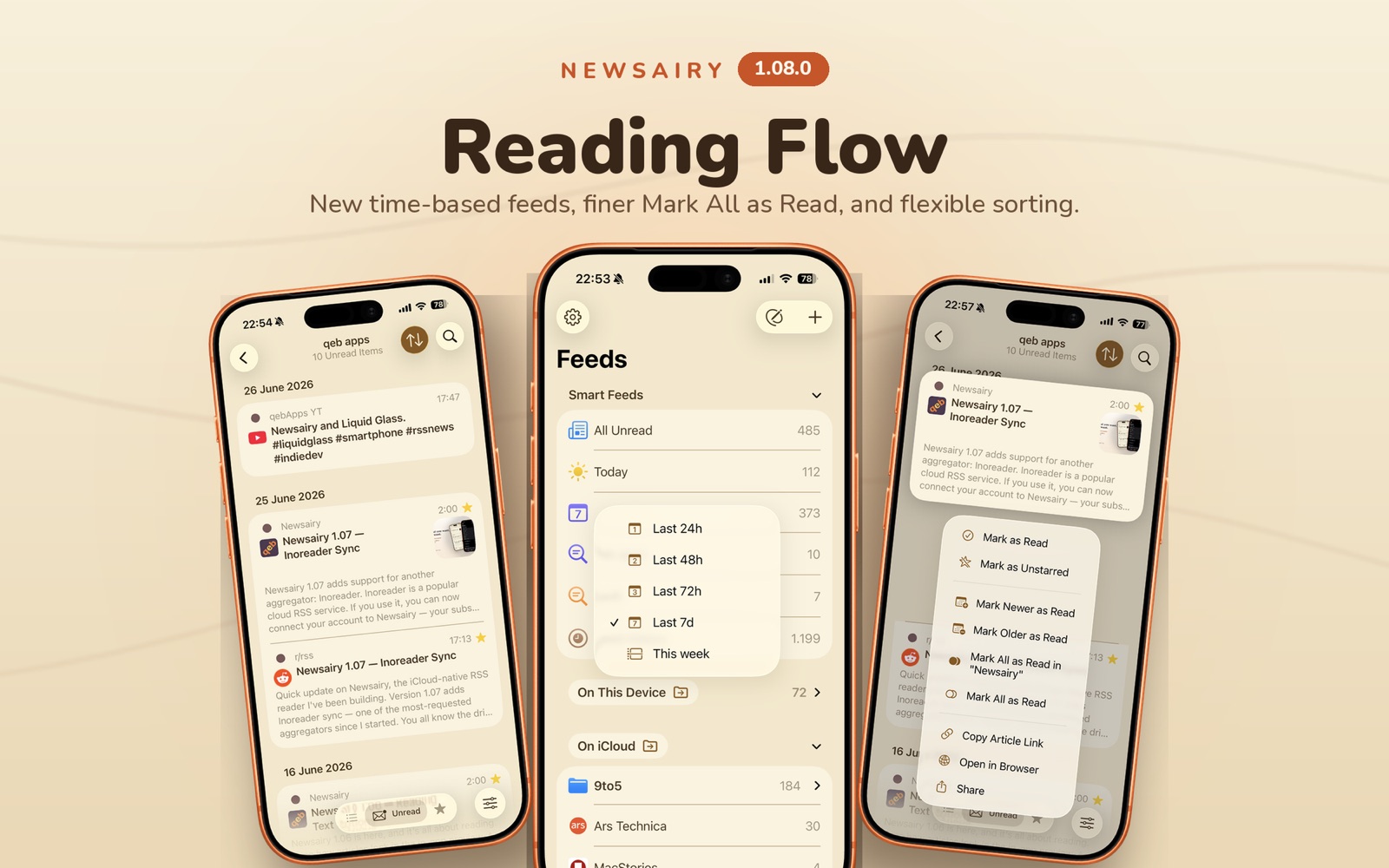
Two new time-based Smart Feeds join the existing 24/48/72-hour views: Last 7 days (a rolling week) and This week (from the start of the current week to now). The week’s first day follows your device’s region by default, but a new Settings → Calendar option lets you override it to Saturday, Sunday, or Monday.
Clearing what you’ve read is now more precise. Alongside the existing Mark All as Read, the article list adds Mark All as Read in feed and, when you’re browsing a folder, Mark All as Read in folder — so you can catch up one source at a time. The same actions are available from the folder’s context menu in the sidebar. Read History no longer shows these options, since everything there is already read.
Finally, article sorting comes to the list. Beyond the default Newest first, you can switch to Oldest first or to the Daily timeline, which keeps the most recent day on top but lists each day’s articles from oldest to newest — so you read each day in the order things actually happened.