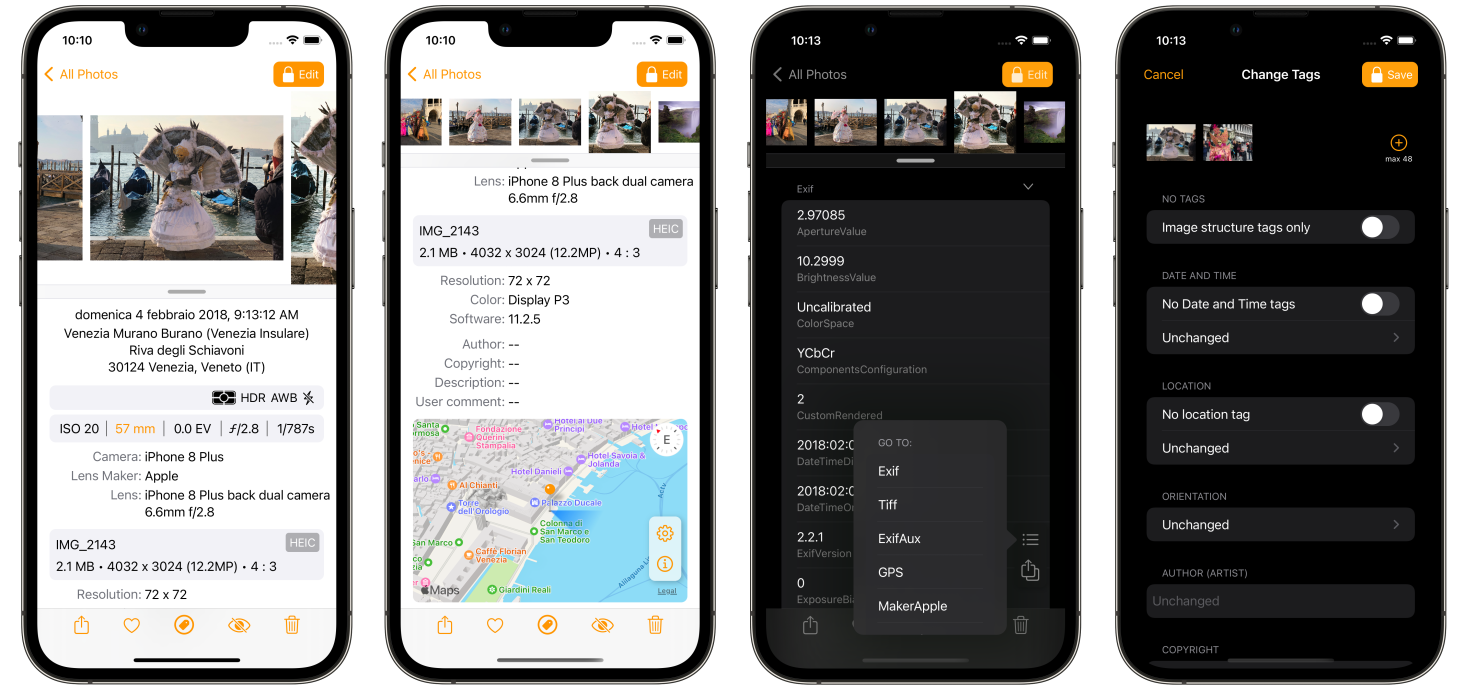
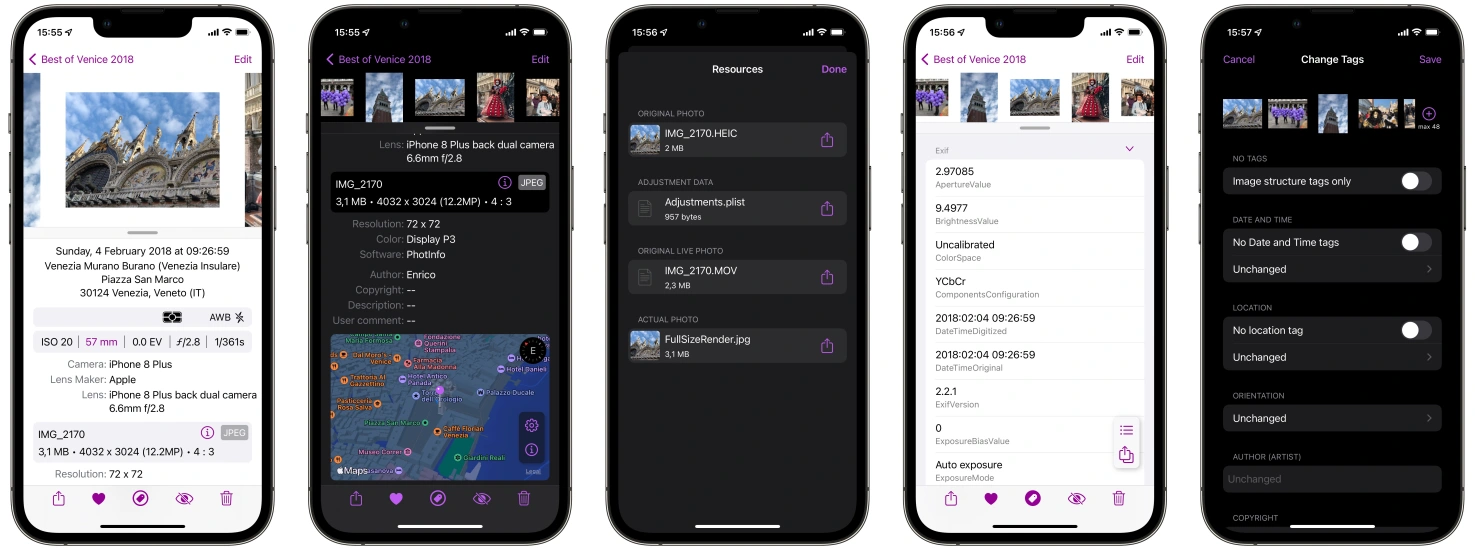
PhotInfo 7.22.1 & PhotInfo NG 2.22.1

October was a good month for PhotInfo, with an upgrade every week. I prefer small upgrades, giving the user the possibility to use a new feature as soon as possible. I’ve got a lot of ideas to improve PhotInfo. So, even if the upgrades’ pace can slow down, stay tuned! What’s new: Bug fix: stop video and audio closing the full screen view.

November 6, 2022 · enrico

PhotInfo 7.22.0 & PhotInfo NG 2.22.0

This is the last upgrade of the video tags cycle: video tags in PhotInfo’s extension.

October 30, 2022 · enrico

PhotInfo 7.21.0 & PhotInfo NG 2.21.0

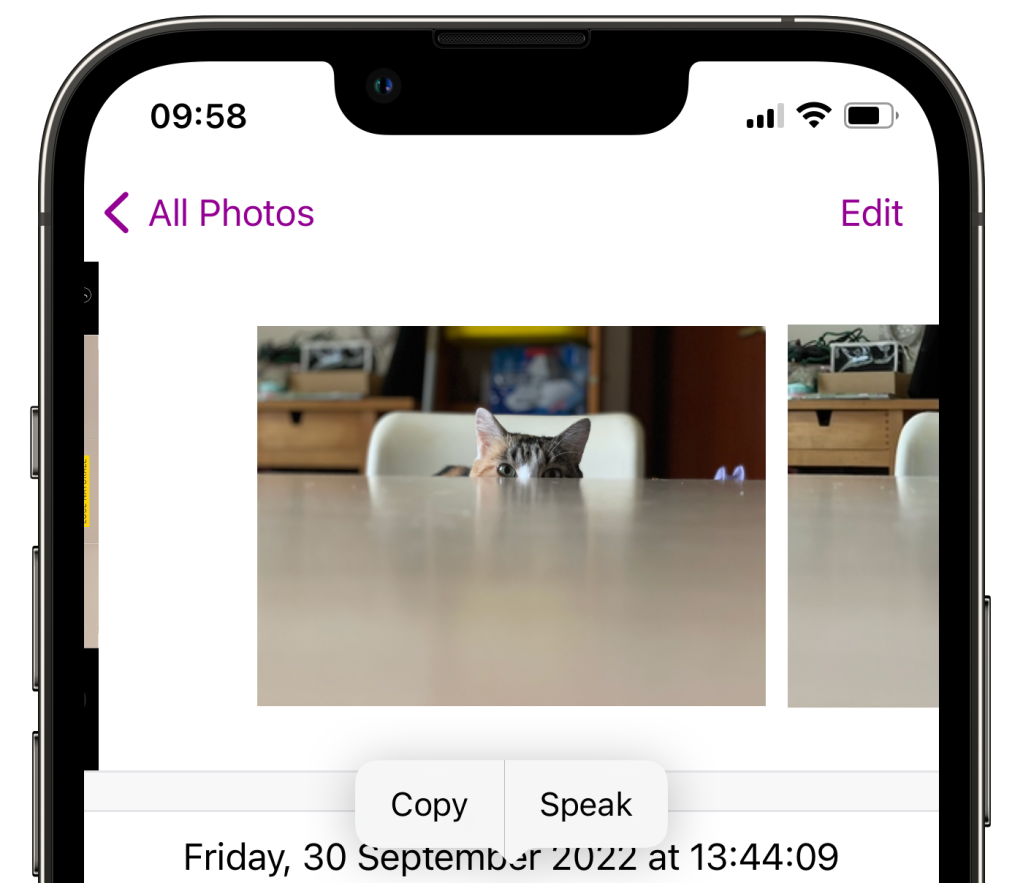
From this version it is possible to see the tags in video from Files. Fixed some ui quirks on iPad.

October 23, 2022 · enrico

PhotInfo 7.20.1

In this release some internal refactoring preparing the next leap (spoiler alert - video from files). Also, there are changes that couldn’t wait for the next version: improvements on copying all data in the Details view.

October 16, 2022 · enrico

PhotInfo 7.20.0 & PhotInfo NG 2.20.0

New features are arriving, starting from this update: Video’s Tags: PhotInfo can now manage the videos in Photos Some other improvements: Small UI refinements as internal icons Removed Show Hidden Photos from settings (no more available on iOS 16) Fixing missing toolbar on first image of first album

October 9, 2022 · enrico

PhotInfo 7.14.1 & PhotInfo NG 2.16.2

A small update to fix an annoying bug: toolbar missing on first image of first album.

October 2, 2022 · enrico

PhotInfo 7.14.0 & PhotInfo NG 2.16.1

Double update 🎉! The apps have feature parity (but a different number scheme, actually 🤦‍♂️). What’s new: UI improvements: bigger and new badge icons. Removed the settings to show hidden images.

September 28, 2022 · enrico

PhotInfo NG 2.16.0

Catching up with PhotInfo: Added support for Live Photos preview and full view. iOS 16 optimisations and small bug fixes.

September 17, 2022 · enrico

PhotInfo 7.13.16

PhotInfo app is in constant development, so new features will be added soon: stay tuned! In this update: iOS 16 optimisations (.16 is in honor of the iOS version) LivePhotos: improved performances Small bugs fixed Please consider leaving a review, it is the only way other people can learn about the app and it helps us, indie developers, tremendously. Thank you for your support! PhotInfo 7.13.16

September 17, 2022 · enrico

PhotInfo 7.13.0

Added support for Live Photos preview and full view. Of course, you can disable this function in the Settings panel to work as before.

August 25, 2022 · enrico

PhotInfo 7.12.1 & PhotInfo NG 2.12.1

A small update with some performance improvement.

July 2, 2022 · enrico

PhotInfo NG 2.12.0

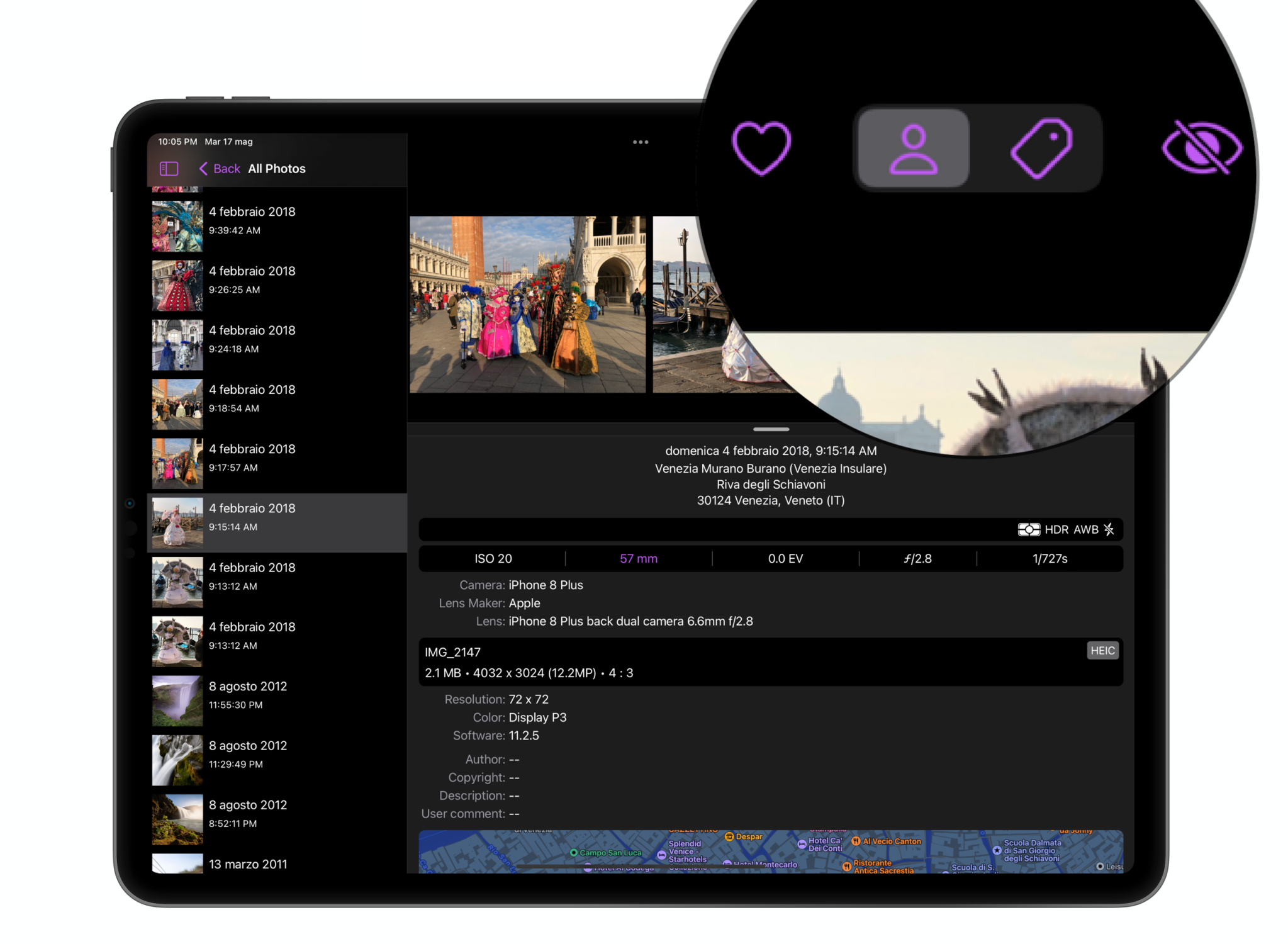
New segmented control as in PhotInfo 7.12.

May 28, 2022 · enrico

PhotInfo 7.12

UI change: a segmented control to switch between details and tags mode. hotInfo 7.12.0

May 22, 2022 · enrico

PhotInfo NG 2.10.0

PhotInfo NG gains the last features of PhotInfo: It is now possible to open one or more files using the File picker (outside of Photos app) More details on conflicting information about dates and locations Bug fixes

May 4, 2022 · enrico

PhotInfo 7.11.1

Some other bug fixes 🐞

May 4, 2022 · enrico

PhotInfo 7.11.0

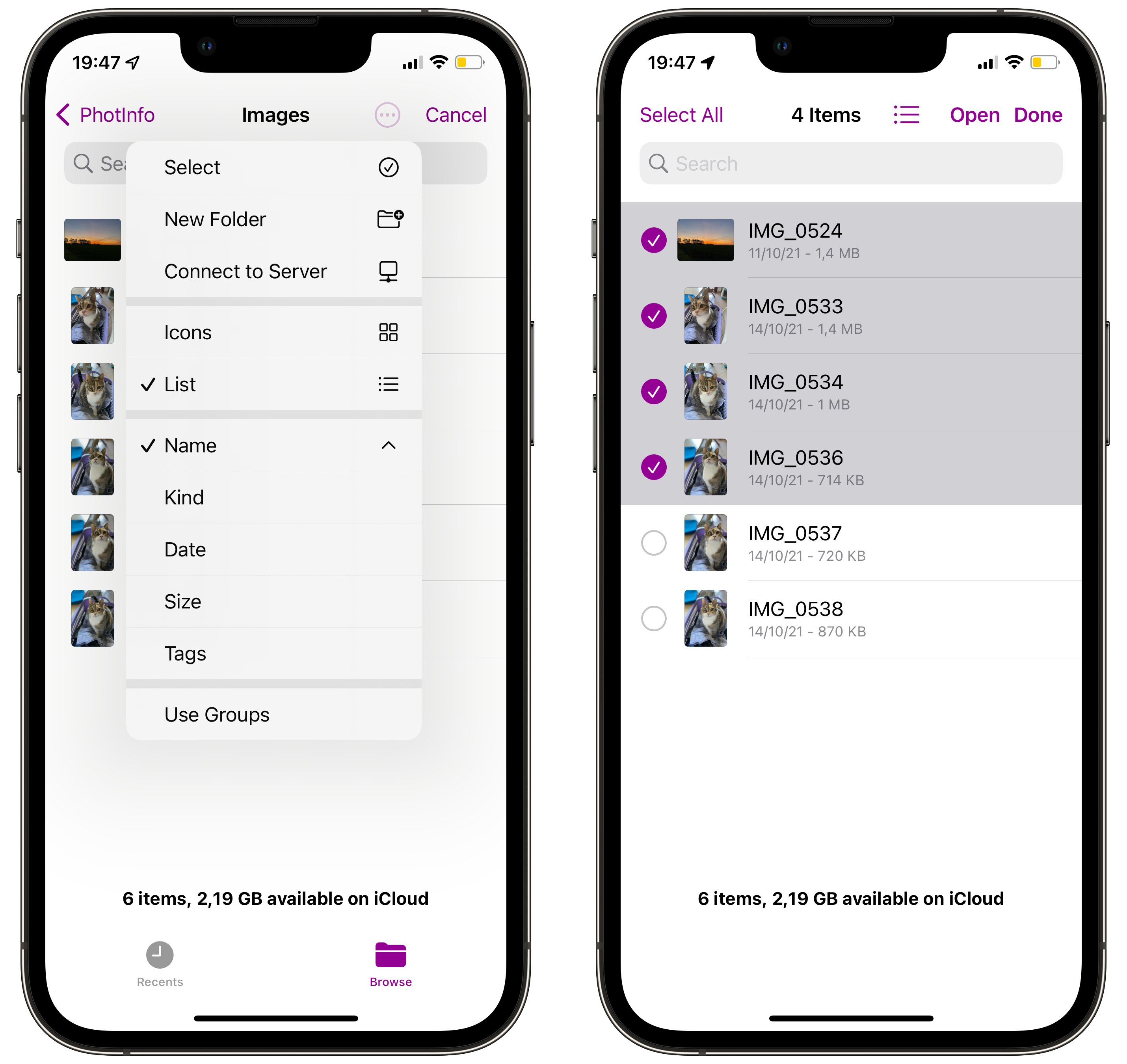
It’s now possible to open more than one file at a time from File (iOS) or folders (macOS). Some bug fixes and more details on conflicting dates and locations.

May 1, 2022 · enrico

PhotInfo 7.10.0

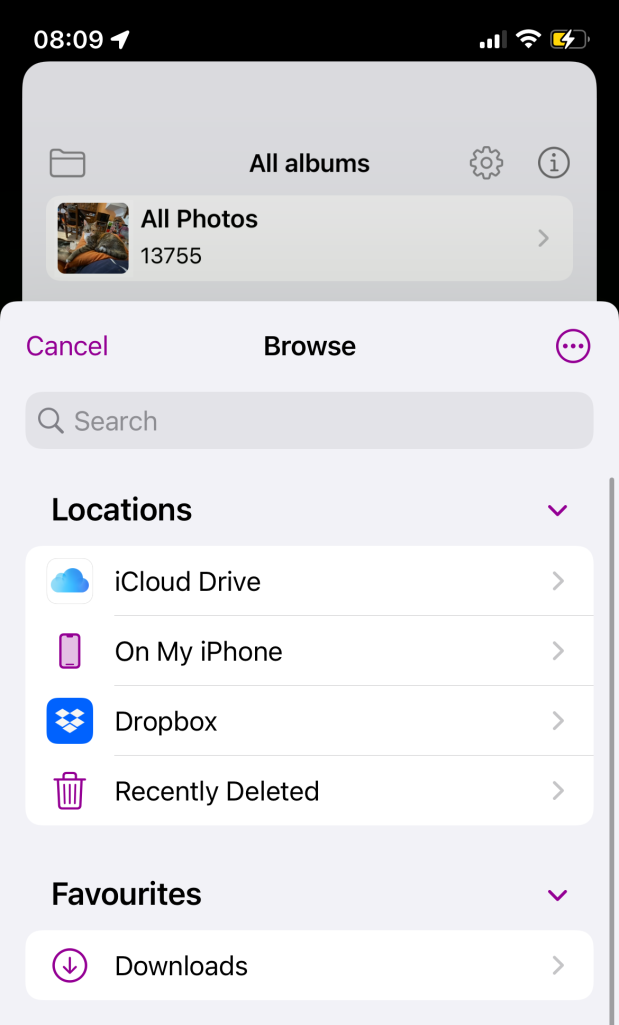
It is finally possible to access an external file, directly from the app 🎉 and to save modified images externally. PhotInfo 7.10-files PhotInfo 7.10-files_mac.webp

March 22, 2022 · enrico

PhotInfo 7.00.2

I squashed some bugs: one in new installations on iPad one with some images on iCloud another one with time picker on iPad

February 19, 2022 · enrico

PhotInfo NG 2.0 for iOS and macOS

PhotInfo NG finally gains the new UI anticipated by PhotInfo 7.0; no more Tabs, only 2 views: Details (with map) and Tags.

February 17, 2022 · enrico

PhotInfo 7.0

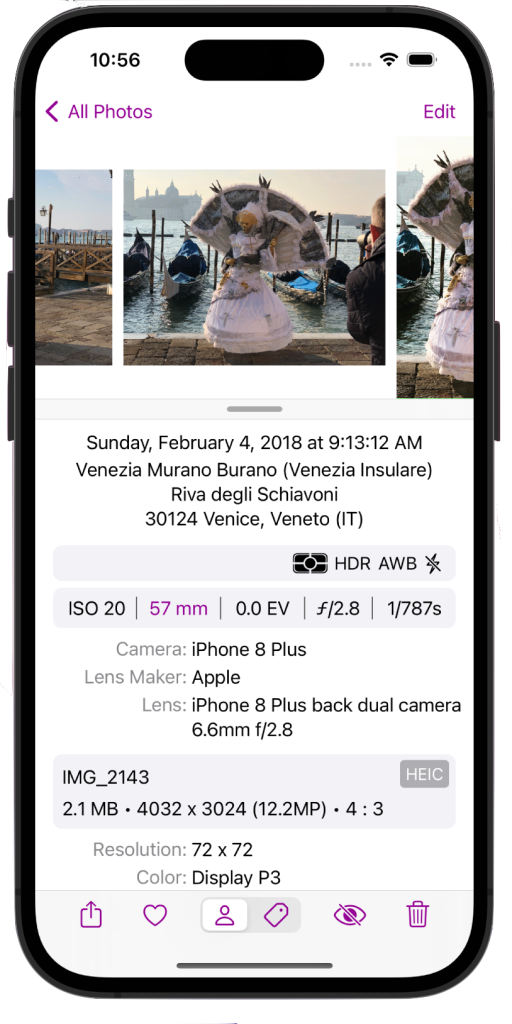
Completely redesigned UI: only 2 views: Details (with map) and Tags no more Tabs: the toolbar is now on the bottom with a button to change the views redesigned Details View redesigned Extension improved memory usage improved support to Split View and Slide Over (on iPad) choose another image by touching it in the horizontal scroll view (iPad and Mac) tap to enlarge the current image

November 25, 2021 · enrico